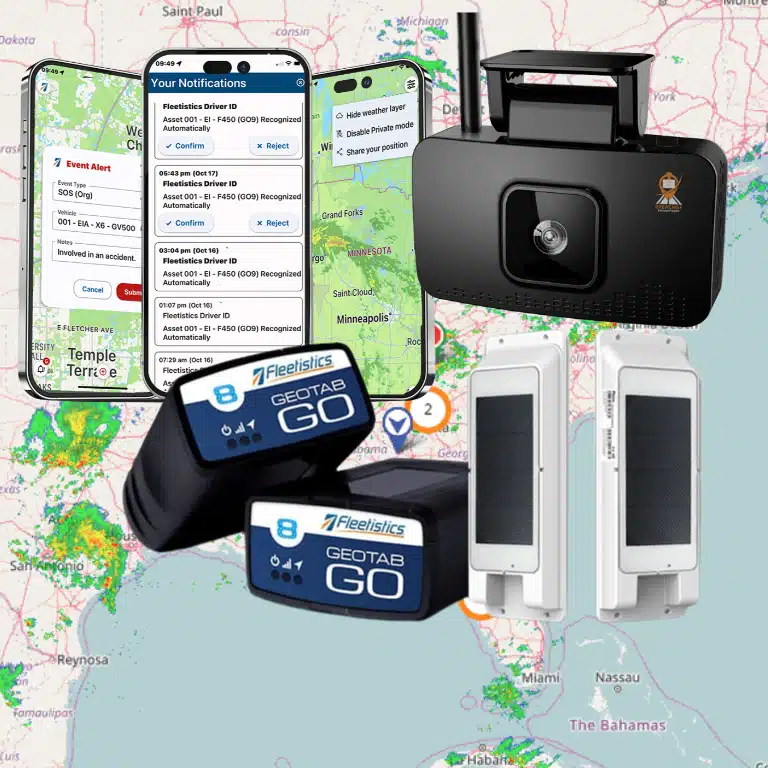
The best video telematics solutions connect camera footage with vehicle and trip data so fleet teams can understand what happened, review events efficiently, and coach drivers consistently. The right platform depends on your vehicles, risk priorities, review capacity, privacy expectations, and the systems your team already uses, not simply the number of cameras included.
What should you expect from a video telematics solution?
Video telematics combines cameras with telematics data such as vehicle location, speed, and event information. The camera may capture the road, the cab, or both, depending on the system and configuration. A platform then helps authorized users find relevant clips and connect them with the context needed to review a driving event.
That distinction matters. A camera that records footage is not, by itself, a complete safety workflow. Your team also needs a practical way to identify events, retrieve the right video, document what it learns, and follow up appropriately. If footage is difficult to find or no one owns review and coaching, a feature-rich system can create more work without changing daily practices.
Start by describing the decision you want video to support. You may need to investigate collisions, understand risky behaviors, respond to customer concerns, or provide focused coaching. Define the use case before comparing equipment. For a broader overview of camera and tracking combinations, see how dashcams and GPS trackers work together.
Which camera coverage fits your fleet?
Choose camera views based on the events you need to understand and the environment in which vehicles operate. Common configurations include a forward-facing road view, a driver-facing view, and multi-camera setups that cover additional sides or work areas. More views can add context, but they also add installation, policy, and review considerations.
- Road-facing: Useful for reviewing traffic conditions, lane changes, following distance, and events ahead of the vehicle.
- Driver-facing: Can provide context about in-cab behavior. It requires especially clear policies, notice, access rules, and communication with employees.
- Additional exterior views: May help when vehicle sides, cargo areas, or equipment activity matter. Confirm camera placement and image quality for the actual vehicle type.
- Live viewing: Some systems support access to live video. Ask who can use it, when it is available, and how that access is controlled.
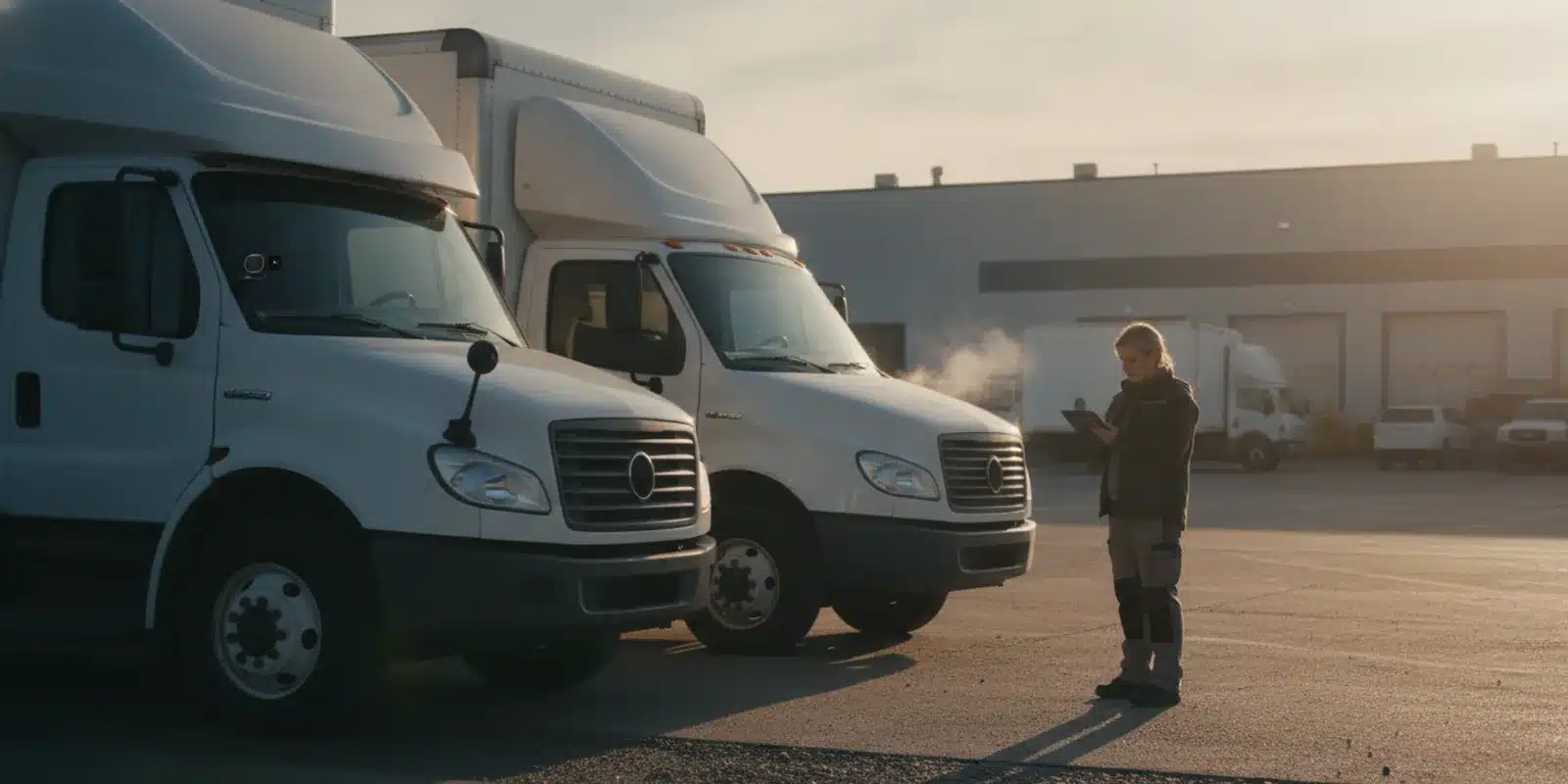
Do not assume that one camera layout works for every vehicle. A service van, heavy truck, and specialized vehicle may have different sightlines, mounting options, and operational needs. Map each vehicle group to a specific use case. Then confirm installation requirements, power, connectivity, and whether the chosen configuration captures usable footage in the conditions your drivers encounter.
Fleetistics offers AI dashcam options for fleets and the Geotab GO Focus camera. These are useful starting points for comparing camera approaches within a broader fleet-management environment.
How should event review and coaching work?
Event review is where video becomes operationally useful. Ask how the system flags or organizes events, how a reviewer finds the matching clip, and what vehicle information appears alongside it. Understand which events are detected automatically, which depend on a user report, and which require a manual search. Do not assume an alert proves what happened; video and vehicle data are context for a review, not a substitute for it.
Build a repeatable review process before rollout:
- Identify the event. Record the time, vehicle, location, and source of the alert or report.
- Review the full context. Check the relevant clip and available vehicle data. Look at what happened before and after the trigger, not only a short isolated moment.
- Document a fair finding. Separate observable facts from assumptions. Note missing footage or uncertainty rather than treating an incomplete record as conclusive.
- Choose a follow-up. Route a safety concern, maintenance issue, customer inquiry, or policy question to the right owner.
- Coach and close the loop. Use a specific example and clear expectations, then record agreed actions and revisit recurring patterns.
Before buying, test this workflow with the people who will actually review footage. Can a supervisor find a clip quickly? Can they share it with an authorized person without awkward workarounds? Can the team record coaching consistently? Consider how managers will distinguish a one-time event from a pattern that deserves follow-up. The best solution is one your team can use reliably, not just one with the longest feature list.
For broader safety program planning, review fleet safety solutions and workflows and fleet safety analytics and metrics. These topics can help you connect video review to a wider process rather than treating the camera as a standalone fix.
How do storage and retrieval affect the choice?
Storage policies determine how much footage is available and how quickly you need to act after an incident. Ask whether video is stored on the device, transferred to a hosted platform, or handled through a combination. Find out how long routine footage remains available, what happens when an event is flagged, and whether retention can vary by event type or policy.
Clarify the practical details, not only the advertised storage capacity. How does a user search by vehicle, time, or event? What happens when connectivity is intermittent? Is footage uploaded automatically or only after a trigger? Can you preserve a relevant clip before routine deletion? Which users can download or share it, and is access activity recorded?
Estimate storage needs from the use case. A team investigating occasional incidents may have different requirements from one reviewing frequent coaching events or many camera views. Ask the provider to explain any limits, retention choices, connectivity assumptions, and potential costs for the configuration you are considering. Validate those details in a demonstration with a sample event and a realistic retrieval task.
What privacy and governance questions should you ask?
Video can affect employees, customers, and members of the public. Explain why the fleet is using cameras, what views are captured, when recording occurs, who can view footage, and how long it is retained. Employees should understand the system and have a clear way to ask questions. A written policy can set expectations for access, acceptable use, incident review, retention, and escalation.
Governance should match the configuration. If driver-facing video is not needed for a particular objective, consider whether a different camera arrangement can meet the need. If the platform offers privacy controls or a personal-use mode, understand how they work and who administers them. Set permissions deliberately and review them when roles change. Avoid broad access simply because it is convenient during setup.
Transparent notice and employee buy-in support a more credible rollout. Fleet managers can use guidance for introducing tracking to employees, along with a sample driver policy and sample company driving policy as planning resources. Adapt policy language to your organization and have appropriate internal reviewers assess it before use.
For general commercial-vehicle safety context, consult the Federal Motor Carrier Safety Administration. A camera platform does not replace your responsibility to establish and manage appropriate safety practices.
Which integrations and support matter most?
Video should fit into your existing work. Check whether a platform can associate footage with vehicle records, location, or other telematics information, and whether your team can access relevant data in its normal fleet-management workflow. Ask about data export, user roles, APIs, and any integration or subscription requirements. Verify the specific capabilities available for the camera and software combination you plan to deploy.
Integration quality is more than a connector in a product list. During a demo, follow a realistic scenario from alert to clip to documented follow-up. Confirm who sets up users, trains supervisors, troubleshoots devices, and helps when a clip cannot be retrieved. If your operation has multiple locations or vehicle types, ask how configuration changes and support requests are handled.
Fleetistics combines fleet-management solutions with Geotab technology and camera options. Its open ecosystem includes APIs and integrations, but buyers should confirm which integrations apply to their particular deployment. Start with the Fleetistics fleet management and GPS tracking overview, then discuss how camera data, vehicle information, and your current processes could work together. You can also compare video telematics workflows and considerations.
How can you compare video telematics options?
Use a side-by-side review that reflects your needs. The table below is a framework for questions to ask; actual features and terms depend on the selected platform, equipment, and configuration. Ask providers to demonstrate the relevant workflow rather than relying on a general capability statement.
| Evaluation area | Questions to ask | What to verify |
|---|---|---|
| Camera coverage | Which views are available for each vehicle group? | Image quality, mounting, power, and fit for the intended use |
| Event review | How are events flagged, searched, and connected to vehicle context? | Time to locate and assess a sample clip |
| Coaching workflow | Can managers document feedback and follow-up? | Ownership, consistency, and ability to review recurring issues |
| Storage | How are routine and flagged clips stored and retained? | Retention, connectivity assumptions, access, and any added charges |
| Privacy | What controls govern recording, access, and sharing? | Role permissions, policy fit, notice, and administrative controls |
| Integration | How does video connect with vehicle data and current systems? | Available integrations, exports, APIs, and configuration requirements |
| Support | Who assists with installation, setup, training, and troubleshooting? | Clear responsibilities and a workable support process |
| Total fit | What equipment and subscription components are needed? | Full configuration, terms, deployment effort, and ongoing workload |
Compare the complete deployment, not just the camera or monthly price. Include device requirements, software subscriptions, installation, training time, connectivity, data retention, and the work needed to review events. Ask whether you can begin with a defined group of vehicles and expand after validating the workflow. A measured evaluation helps reveal whether the system suits your operating conditions before a broader rollout.
How should you choose among the best video telematics solutions?
First, rank your requirements. Separate essential needs, such as a specific camera view or incident-review process, from preferences that can wait. Then evaluate the following types of solution:
- Camera-first platforms: May suit teams whose main requirement is recording and managing video. Check how well footage connects to vehicle and trip context.
- Integrated telematics platforms: Can be a fit when the fleet wants video alongside location and vehicle data. Confirm the exact camera capabilities, workflow, and system connections offered in the proposed configuration.
- Modular fleet-management solutions: Allow buyers to match technology to fleet needs and adopt capabilities in stages. Confirm what is included, what is optional, and how the parts work together.
Fleetistics belongs on a shortlist when a business wants to consider cameras as part of broader fleet management and Geotab-based telematics. It provides multiple fleet solutions and camera options, rather than requiring every operation to start with the same camera setup. Compare the proposed configuration against your vehicle types, safety workflow, integration needs, and available support. A product name alone does not tell you whether a particular combination is suitable.
Before making a decision, ask each provider to demonstrate three tasks: finding a recent event, reviewing it with relevant vehicle context, and recording a follow-up action. Ask your operations and safety teams to participate. Document what the system does, what remains manual, and what assumptions need verification. This practical comparison is more useful than choosing based on a broad claim such as “AI-powered” or “real-time” without seeing how the capability works in your operation.
For a closer look at platform and device options, browse Geotab GO10 GPS tracking equipment and GPS tracking hardware. Confirm compatibility and available functions with a Fleetistics representative before specifying equipment.
Contact Fleetistics to discuss your fleet’s video telematics needs
Frequently asked questions
Is video telematics the same as a dashcam?
A dashcam captures video. Video telematics connects camera footage with fleet data and workflows that can help teams locate, review, and act on events. The specific capabilities depend on the device and platform configuration.
Do fleets need driver-facing cameras?
Not every fleet needs an in-cab view. Choose camera coverage based on the operational question you need to answer, and consider employee notice, privacy, access, and governance before enabling a driver-facing camera.
What should a fleet test in a video telematics demo?
Ask the provider to show how to find a specific event, view the related clip and vehicle context, manage user access, and document coaching or follow-up. A realistic task helps you evaluate usability and identify unanswered questions.
How do you measure whether a system is useful?
Set a baseline for the workflow you want to improve. Depending on your goals, track how long event review takes, whether follow-up is documented, and whether managers can identify recurring coaching needs. Interpret those measures alongside operational context rather than treating one metric as proof of a result.
Ready to compare video telematics for your fleet?
Contact Fleetistics to discuss your fleet’s video telematics needs
The best video telematics solution is the one that fits your vehicles, governance, review capacity, and broader fleet systems. A practical demonstration can clarify how camera coverage, event access, coaching, and support come together. Contact Fleetistics to talk through your requirements and potential configurations.
Previous: Video Telematics: A Practical Fleet Safety Guide | Next: Fleet Safety Analytics: Metrics and Coaching Guide.