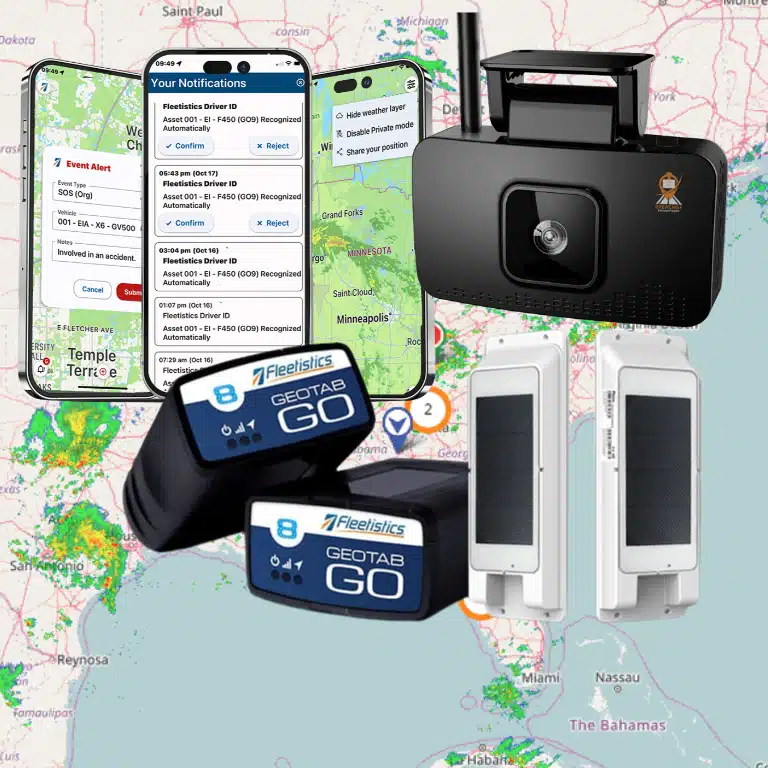

One missing log entry can expose a fleet to violations, audit risk, and preventable downtime. Modern safety rules leave no room for error in how operators track driving time and supporting compliance records.
Schedule a Fleetistics consultation to simplify ELD compliance for your fleet.
ELD compliance for fleet operators means using a registered electronic logging device and repeatable processes to maintain accurate hours-of-service records. Most drivers who must keep records of duty status need an ELD, although FMCSA recognizes limited exceptions. A complete program also connects driver logs with inspections, maintenance, training, and audit-ready record retention.
Staying current with federal laws can feel like a full-time job for busy managers. You need to know which drivers must use digital logs, how to protect records, and how to catch exceptions before a roadside inspection. The sections below turn those obligations into a practical operating system.
ELD compliance for fleet operators: What it means
In the world of trucking, eld compliance for fleet operators is a top goal. The Federal Motor Carrier Safety Administration (FMCSA) set this rule to make roads safer. At its core, it needs drivers to use a tool that plugs into the engine. This tech tracks how much time a driver spends on the road. It replaces the old way of using paper logs to track work hours.
Following this rule is not just about avoiding fines. It helps your team stay safe and keep precise records. By linking to the vehicle, the device records when the engine is on or off. This removes the errors that often come with paper logs. For many teams, it is the first step toward better fleet compliance management and road safety.
Who must follow the ELD rule?
Most motor carriers in the USA must follow the ELD mandate. This includes any driver who must keep records of duty status (RODS) under federal safety rules. If your drivers move goods across state lines, they likely need these devices. This rule applies to both large fleets and small owner-operators.
But not every fleet needs an ELD. For instance, drivers who use paper logs for 8 days or fewer in a 30-day window are exempt. Those who stay within a short-haul radius also do not need them. Also, if your truck was built before the year 2000, you can skip the device. Managers should check the FMCSA checklist for carriers to find these gaps.
How ELDs track hours of service
An ELD works by talking directly to the engine of the truck. It tracks when the vehicle starts moving and when it stops. This data flows into a log that shows the exact driving time. This system makes it much harder to break hours-of-service (HOS) rules by mistake. It keeps a real-time record of duty status for every driver on your team.
The device does not change the core HOS rules. It only changes how you write them down. You still have the same limits on how long you can drive each day. But since the tech tracks movement, there is less paper to file. This saves time for both the driver in the cab and the manager in the office. It also makes roadside checks much faster for everyone.
Managing your compliance data
Good eld compliance for fleet operators depends on how you handle your data. You need a system that can store logs and show them in a clear way. Many fleets pair their ELDs with DVIR inspection workflows to cover all safety needs. This creates a full record of both driver time and vehicle health in one place.
When you look for a tool, pick one that can grow with you. Some platforms offer API access to link your data with other business apps. This helps you track things like fuel tax alongside HOS data. If you are not sure where to start, seek a partner who knows the landscape. We use a 60-day process to help teams test new tools without a long-term risk.
Which drivers and vehicles need an ELD?
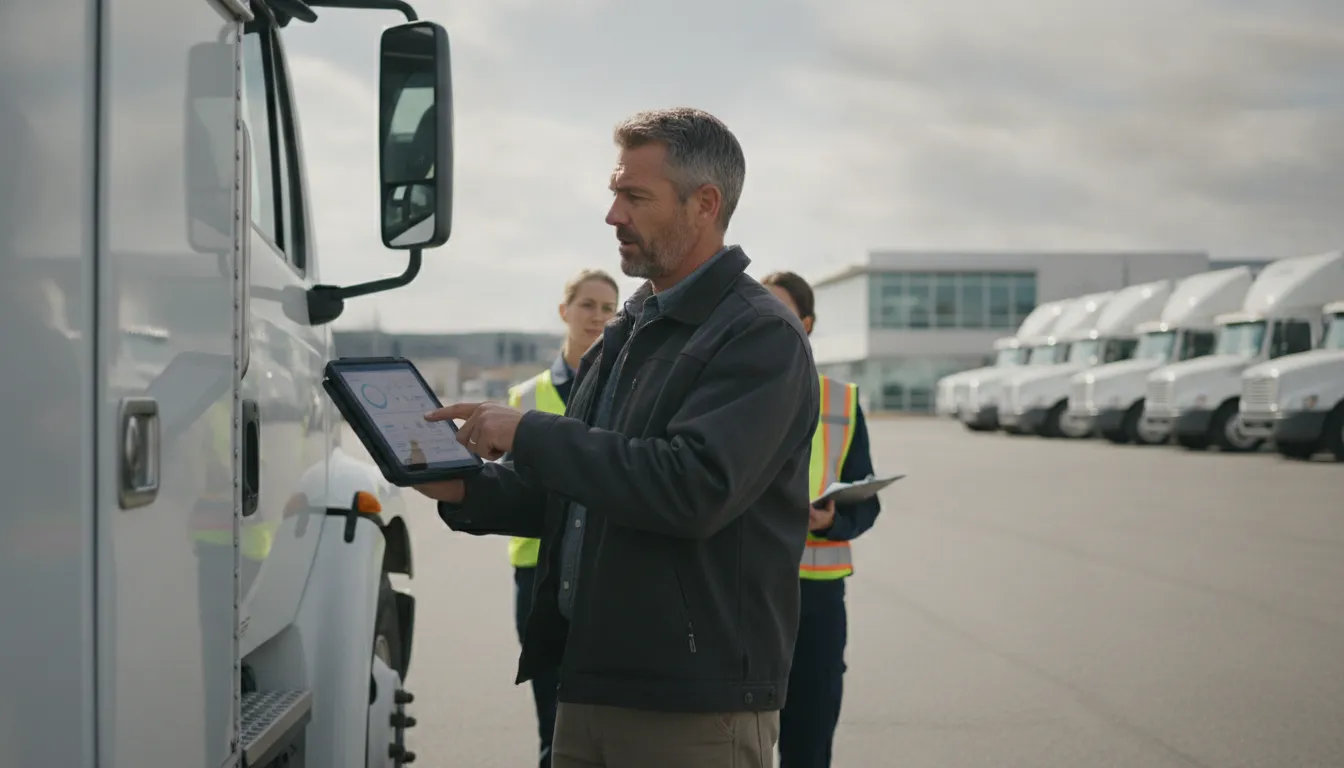
Most interstate commercial drivers who must keep records of duty status need a registered ELD. Common exceptions include qualifying short-haul drivers, drivers who use paper logs no more than eight days in a 30-day period, driveaway-towaway operations, and vehicles made before model year 2000.
Find if your fleet needs an electronic logging device (ELD) as a first step in fleet compliance management. The FMCSA ELD rule applies to most truck firms and drivers who must keep records of duty status (RODS). This rule helps make a safer work space for drivers by tracking hours of service (HOS) with care. It swaps out old paper logs for a tool that links right to the truck engine.
How to find if you must use an ELD
Most business drivers must follow the law if they now keep RODS. This includes drivers who move goods between states or carry heavy loads. You can use a simple way to find your status and stay on the right side of the law. Use these steps to see if your fleet needs to make the switch.
- Check your duty status needs. If you must keep RODS under current hours of service rules, you likely need an ELD. These rules apply to most people who drive large trucks and buses.
- Look at where you travel. Drivers who move across state lines are often under federal rules. Even if you stay in one state, your local area may follow the same ELD rules for local fleets.
- Count your logbook days. If you keep paper logs for more than eight days in any 30 day period, you must use an ELD. This is a common trigger for small fleets and local teams.
- See the vehicle age. Check the build date of your trucks and vans. Vehicles made before the year 2000 do not have to use these digital tools.
- Review special work types. Some types of work, like towing a vehicle that is being sold, may have different rules. Always check the specific laws for your fleet niche.
Key ELD mandate exceptions
Not every vehicle on the road needs an ELD. The FMCSA allows limited exceptions for some drivers and cases. For example, short-haul drivers who use timecards instead of RODS do not need a device. This often applies to drivers who stay within a 150 air-mile area and return to their base every day.
Other exceptions include drivers of trucks made before the year 2000. These older engines often lack the parts needed to link with a digital log. Also, drive-away-tow-away operators are exempt if the vehicle they drive is the product they are delivering. Some farm and crop moves may also skip the ELD rule under certain terms.
Managing your compliance records
Even if you are exempt, you must prove why during a roadside stop. Having the right regulatory compliance tools on hand helps your drivers pass checks fast. Drivers who do not need an ELD should still keep clear records to show they fit a rule. This might include timecards or engine build date papers.
For fleet owners, the goal is to avoid fines and keep drivers safe. Many fleets use ELDs even when not required because they make HOS tracking simple. These tools link with your engine to track drive time without human error. Using these tools gives you a clear view of your fleet and keeps you ready for any audit at all times.
How ELD, HOS, DVIR, and IFTA compliance connect
ELD, HOS, DVIR, and IFTA processes rely on related vehicle and driver data, but each serves a different obligation. ELDs document driving activity, HOS rules limit duty time, DVIR workflows document vehicle condition, and IFTA reporting accounts for fuel use and mileage across jurisdictions.
Fleet management needs many tools to work together. Managing eld compliance for fleet operators has more steps than just tracking road time. Each part of the job feeds into a larger goal of safety and truth. When these tools connect, they create a full view of fleet health. This link helps teams avoid fines and keep drivers safe on the road.
Managing road time with ELD and HOS
The Electronic Logging Device (ELD) is the main tool for tracking Hours of Service (HOS). Most motor carriers must use these tools to track duty status per 49 CFR Part 395. These tools sync with the engine to record drive time on their own. This link ensures that HOS data is exact and hard to change. By using a central fleet compliance management tool, managers can see real-time status for every driver.
HOS rules help stop crashes from tired driving. The ELD tracks when a driver starts and stops. This makes it easier to follow U.S. rest rules. This data is vital during road checks. It also helps firms plan routes that stay within legal limits. When drivers stay within their hours, the risk of road problems drops. Good data also makes it simple to prove compliance during checks.
Connecting DVIR to vehicle safety
Safety also depends on the state of the truck itself. The Driver Vehicle Inspection Report (DVIR) is a daily check that drivers must do. These DVIR inspection workflows ensure that trucks are in good shape before they leave. If a driver finds a flaw, they must report it for repair. This system works with ELD data to show that a driver was on duty while doing the check.
A good check process stops small flaws from becoming big repairs. It links right to maintenance logs. When a DVIR shows a problem, the shop team gets an alert. This cycle keeps the fleet running well and cuts down on time lost. It also gives a record that proves the firm cares about safety. Keeping these records in a computer makes it easy to search for past issues during a check.
Using IFTA for tax and fuel tracking
Fuel use is another key part of the compliance web. The International Fuel Tax Agreement (IFTA) helps firms report fuel taxes in each state. Keeping IFTA and fleet compliance standards depends on exact miles and fuel data. Since ELDs track where a truck goes, they give the exact miles driven in each state. This makes fuel tax math much easier and more exact.
IFTA reports are due four times a year. Tracking by hand is slow and leads to errors. Using ELD data for IFTA saves time and cuts the risk of an audit. It also helps managers see fuel use across the fleet. This data can show which routes or drivers use more fuel. Linking fuel spend to miles helps firms find ways to save money while staying legal.
| System | Purpose | Roles | Key Data | Cadence |
|---|---|---|---|---|
| ELD / HOS | Track drive time and rest | Drivers, Dispatchers | Engine data, duty status | Daily / Real-time |
| DVIR | Check vehicle safety | Drivers, Mechanics | Defect lists, sign-offs | Before / After trip |
| IFTA | Report fuel taxes | Fleet Managers | Fuel receipts, state miles | Four times a year |
| Maintenance | Repair and upkeep | Service Techs | Parts, labor, costs | As needed |
All these tools work best when they share data. One screen can show ELD, DVIR, and IFTA info in one place. This reduces the work for drivers and staff. It also gives owners a clear look at their risks and costs. When you link these tools, staying legal becomes a habit instead of a chore. Smart teams use this data to make better choices and grow their business.
How to build an audit-ready ELD compliance program
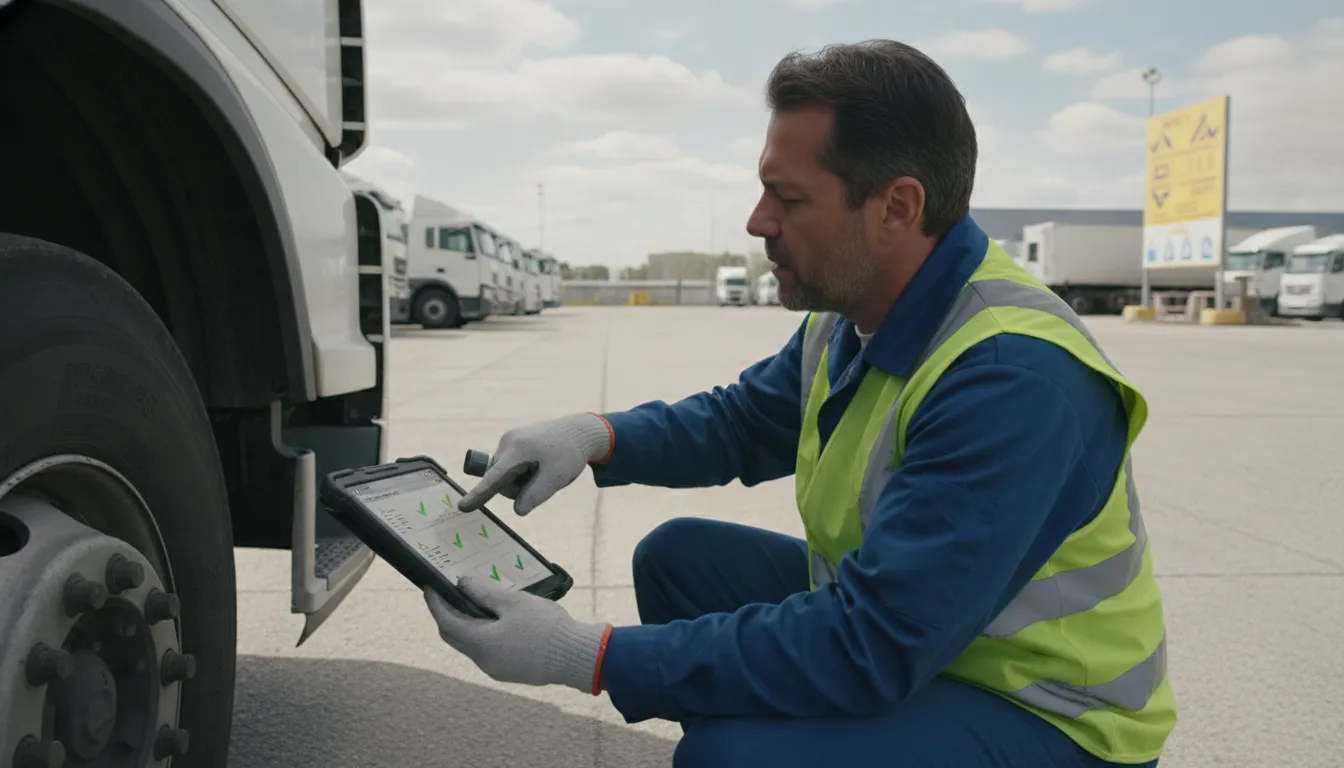
An audit-ready program assigns owners, documents policies, trains drivers, monitors exceptions, and preserves required records. The strongest programs do not wait for an inspection. Managers review logs and unresolved defects on a schedule, document corrective action, and periodically test whether records can be produced quickly.
Building a solid plan for eld compliance for fleet operators is about more than just hardware. It is a full system that keeps your fleet safe and follows all laws. A good program helps you avoid fines and keeps your drivers on the road. You must link your tech, your staff, and your daily habits to make it work.
How to plan your rollout
The first step is to pick the right tools for your trucks. You should look for devices that link directly to the engine. This allows the system to track drive time without human error. Use the FMCSA checklist for carriers to guide your choice. It lists the rules each device must meet.
Once you pick your gear, create a clear plan. Do not try to move the whole fleet at once. Start with a small group of drivers. This lets you see how the tech works in the field. You can find out if there are any issues with your specific engines or routes. A slow rollout makes it easier to train your staff. It also helps you stay ready for the FMCSA ELD mandate without stopping your work.
Better training for drivers and staff
Training is the heart of any compliance program. Your drivers must feel at ease with their devices. They need to know how to log in, how to switch states, and how to verify their logs. Make sure they know that they own their data. They must sign off on every log for it to be legal.
Your office staff needs training too. They must learn how to read the data in your fleet compliance management portal. They should look for gaps in the logs. This includes unidentified driving time. If a truck moves without a driver signed in, you must explain why. Regular log checks help you spot these issues before an auditor does. You can also use training webinars to stay current on new rules.
Daily habits and data care
Your program needs strong daily rules. Drivers should check their logs at the end of every shift. If they make a mistake, they can edit it. But the system will track the original log too. This is why clear edits are so vital. Always add a note to explain why a change was made.
What happens if a device breaks? Your drivers must know the rules. They need to keep paper logs until the unit is fixed. Federal law says you have 8 days to fix or replace a broken ELD. Make sure your drivers have blank paper logs in their cabs at all times. They also need a guide on how to report a fail. Good DVIR inspection workflows also help keep your trucks in top shape.
Staying ready for cross-border work
If you work in Canada or Mexico, your program must cover those rules too. Each place has its own laws for work hours. A modular system lets you add these tools as you grow. This keeps your data in one spot. It also makes it easier to track your fleet across long paths.
A strong plan keeps you ready for any audit. You should keep all your records for at least six months. This includes logs, fuel receipts, and trip sheets. If you have drivers who are exempt, keep their proof on file. Use the 60-day Solution Evaluation Process to test these systems. It is a smart way to find the right fit for your fleet. You can also call a consultant at 855.300.0527 to get expert help today.
What are the most common ELD compliance failures?
Common ELD failures include unsigned logs, incorrect duty status, unidentified driving time, missing supporting documents, unreviewed edits, weak driver training, and inconsistent device procedures. Fleet managers can reduce risk by monitoring exceptions daily and documenting how each issue was investigated and corrected.
Most ELD compliance for fleet operators involves staying on top of daily log details. The Federal Motor Carrier Safety Administration (FMCSA) set the ELD rule to help make a safer work place for drivers. But even with good tools, small errors in the driver seat or the back office can lead to big fines. Knowing where these gaps happen helps you fix them before an audit starts.
Unassigned logs and driver errors
The most common failure is untied driving time. This occurs when someone moves a truck or car without logging into the ELD. Fleet managers must review and link these records to the right driver. They can also explain why the move was exempt. Ignoring these gaps is a major red flag during road checks. You can use fleet compliance management portals to track these events in real time. This keeps your records clean and cuts the work needed for an audit.
Driver training is also a vital part of staying compliant. Many failures happen because a driver does not know how to sign their logs. They may also struggle to handle a device failure. Every driver must have a user manual and a sheet explaining what to do if the device breaks. If they cannot show these to an officer, the fleet is at risk. Fleetistics helps fleets in the USA, Canada, and Mexico set up DVIR inspection workflows to ensure every part of the daily work is on record.
Missing papers and bad edits
Another common issue is missing papers that back up the logs. Carriers must keep records like fuel slips, dispatch sheets, or pay records to check ELD data. These papers prove that the log shows the true story of the driver’s day. If a log shows a driver was off-duty but a fuel slip proves they were at work, the carrier faces a big fine. Managers should check these records often using monitoring fleet compliance metrics to find errors early.
Bad edits also cause many compliance pains. While managers can suggest changes to a driver’s log, the driver must agree to them. Forcing an edit or making changes that hide HOS errors is against the law. The FMCSA provides a checklist for carriers to help them follow the rules for log edits and records. Keeping a clear audit trail for every change is the best way to stay out of trouble during a DOT review.
How to stop common failures
Stopping failures starts with choosing the right tools and setting clear rules. A system that syncs well with your vehicle engine can stop many data gaps before they start. It is also wise to run your own internal checks once a month. This helps you find untied logs or missing driver signs early. By taking these steps, you protect your business and keep your drivers safe on the road. If you are not sure where to start, you can speak with a consultant at 855.300.0527 to find a path that works for your fleet.
How to choose fleet compliance technology
Choose compliance technology by verifying FMCSA registration, driver usability, reliable data transfer, exception monitoring, record retention, integrations, and support. Fleetistics adds a consultative 60-day Solution Evaluation Process so operators can validate fit and ROI before making a broader operational commitment.
Finding the right tech is a big part of eld compliance for fleet operators. You need a system that does more than just track where a truck goes. The best tools help you meet US rules while making your work easier. A smart choice keeps your drivers safe and your trucks on the road. It also helps you avoid big fines from the FMCSA. By picking the right platform, you can turn a simple rule into a way to run a better business. Most fleets find that the best tools pay for themselves by cutting down on errors and paperwork.
Essential hardware for ELD
Your ELD hardware must meet strict rules to be valid. One of the main rules is that the device must link with the engine of the truck. This link lets the tech record when the vehicle is moving without a driver having to do it by hand. This leads to very clear logs for hours of service. When you look at different devices, ask how they send data. Drivers must be able to show their logs to road staff fast. A device that fails during a stop can cause a lot of stress. It may also lead to a ticket for the driver or the company. You should use a simple checklist to make sure a device is on the official list of registered ELDs. Checking this list is a vital step before you buy any new hardware.
Management tools and software
Software is the brain of your plan for meeting rules. A good system should give you a clear view of your whole fleet in one place. You need a dashboard that flags when a driver is close to their hour limit. This helps you plan routes better and stay within the law. The best software also links with other tasks like truck checks. Using DVIR inspection workflows helps you keep your trucks in top shape and safe to drive.
You should also think about fuel tax logs and reports. If your system tracks IFTA and fleet compliance standards, you can save hours of work each month. This means your team can spend more time on growing the business and less on filing forms. Look for tools that offer simple reports so you can see your status at a glance. Good software should be easy to use for both drivers in the cab and staff in the office.
Finding a partner for the long term
Rules can change, so you need a partner that stays up to date. It is wise to work with a team that has a long history in the field. Fleetistics compliance management platform has been a leader in fleet management since 2001. We are also the longest-running Geotab distributor in the country. This means we have the skill to help you pick the best tools for your needs. Our team supports fleets in the USA, Canada, and Mexico to ensure they meet all local rules.
We take an open ecosystem approach to help you manage your data. This makes it easy to add new tools or link with other apps as your fleet grows. To see how these tools work for you, think about an expert demo with our staff. We also offer a 60-day test of our tools. This lets you try the tech in your real-world work to ensure it helps your fleet. Testing the system first is the best way to make sure it fits your daily work.
Talk to a Fleetistics consultant at 855.300.0527 about an integrated compliance workflow.
How do you measure and improve fleet compliance?
Measure compliance with a focused scorecard that tracks HOS violations, unsigned logs, unidentified driving, defect closure time, recurring inspection issues, and training completion. Review trends by driver, vehicle, and location. Then assign corrective actions and verify whether the same issue declines in the next review cycle.
Managing eld compliance for fleet operators is not a one-time task. You must track key data to find gaps and keep your fleet safe. Use your portal to look at violation trends and how fast logs are fixed. High-quality data helps you stay ready for any roadside check. It also keeps your business in line with the FMCSA checklist for carriers.
Track key compliance metrics
Start by monitoring fleet compliance metrics like drive time and HOS errors. Look for drivers who forget to sign their logs or have too many edits. You should also check how long it takes to close out DVIR inspection workflows. If repairs take too long, your safety scores will drop. Good reports show you exactly where your team needs more training.
Review and refine your process
Regular reviews help you spot small issues before they become big fines. Check your fuel and tax data to maintain high IFTA and fleet compliance standards. You can use management tools to see which drivers follow the rules best. If you see the same errors, update your training plan. A clear review cycle makes sure your ELD data stays clean and useful for every audit.
Connect data to safety goals
Compliance data is a powerful tool for better safety and lower costs. When drivers follow HOS rules, they stay alert and avoid crashes. You can also link this data to your maintenance schedule. This ensures your trucks stay in top shape for every trip. By using a full fleet compliance management system, you turn simple logs into a plan for growth.
Frequently Asked Questions
What are the rules for ELD compliance?
According to the FMCSA, most truck companies and drivers must use a digital log if they track their duty status. The device must link to the engine to track drive time on its own. This keeps hours-of-service logs right. Companies must pick a device from the official list. Following these rules helps create a safer work place for all drivers on the road.
Who does not need to use an ELD?
Some drivers do not need to use a digital log. Common cases include drivers who use paper logs for eight days or less in a month. Drivers of trucks made before the year 2000 do not need them either. Short-haul drivers and some tow-away workers often do not need these devices. According to the FMCSA, these drivers should still keep proof of their status for road checks.
Is a DVIR needed with an ELD for fleet rules?
Yes, drivers must often fill out a daily vehicle inspection report (DVIR) along with using an ELD. These reports show that a truck is safe to drive before and after a trip. Linking these safety checks with digital logs helps you stay within FMCSA rules. Fleetistics offers tools that handle both logs and checks in one place. This makes it easier for owners to keep safety high and avoid fines during audits.
How can I simplify fuel tax reports for my fleet?
Fuel tax reports are often linked to drive time data. You can make this task easier by using software that tracks fuel use across different states on its own. This kind of tool cuts down on human errors made on paper forms. According to Fleetistics, linked fuel tax software saves time for both managers and drivers. It gives a clear record of miles and fuel bought, which is key for staying within tax laws.
Ready to secure your fleet and meet all compliance rules?
Running a fleet without a clear plan for these rules leaves your business open to high fines and safety stops that can hurt your profits. Starting your setup right now ensures that your trucks stay on the road and saves your team from the stress of messy logs and paperwork. Waiting to act only makes this change harder, but getting started today gives you a clear way to run a safe, strong, and smooth fleet business.
Call 855.300.0527 to speak with a Fleetistics consultant.
Use the 60-day Solution Evaluation Process to validate how an integrated compliance workflow can support a safer, more productive fleet.