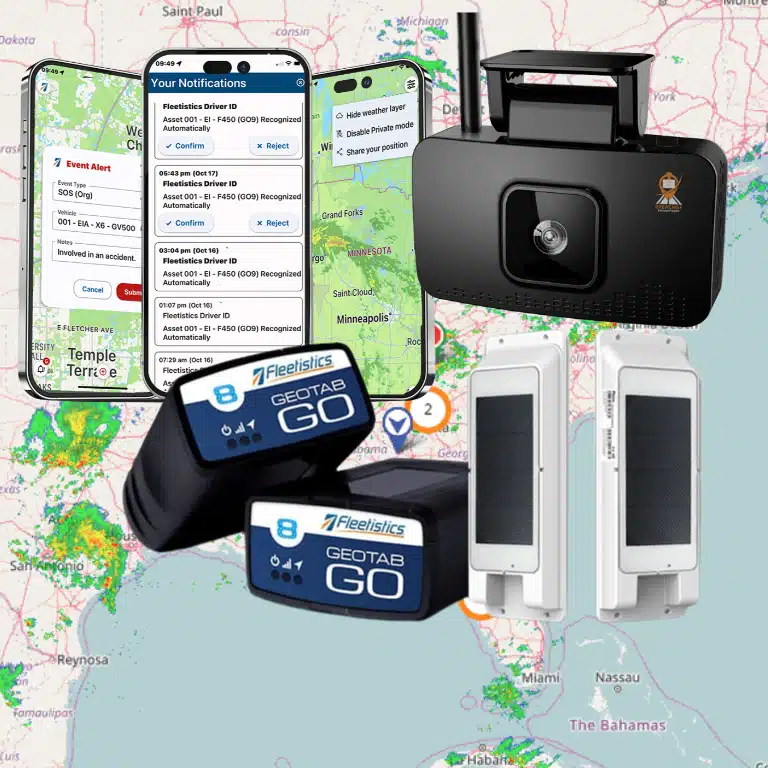
The wrong portal buries urgent fleet problems beneath yesterday’s charts. The right fleet management portal shows what needs attention now, who owns the next step, and whether action improved the result.
Book a Fleetistics demo to evaluate your fleet management portal needs.
A useful fleet management portal gives managers one reliable place to see vehicle status, asset activity, alerts, reports, user access, mobile workflows, integrations, and support history. The features that matter most are the ones that shorten the distance between a problem and a decision. See how Geotab Drive connects HOS logs, DVIR workflows, and driver training in one mobile resource.
Fleet teams do not need more disconnected screens. They need an operating view that helps dispatchers, safety leaders, maintenance coordinators, finance teams, and executives act from the same trusted data. That is why the best portal evaluation starts with daily work, not a generic feature checklist.
Fleetistics supports that approach with GPS tracking, telematics, Geotab-powered tools, AI dashcams, compliance workflows, free API access, and more than 300 marketplace integrations. The goal is not only to collect fleet data. The goal is to turn data into safer drivers, cleaner compliance, better productivity, and smarter decisions.
What a fleet management portal should do each day
A fleet management portal should turn vehicle data into a daily work plan. It should show what is happening, flag what is abnormal, assign who needs to respond, and preserve enough history to measure whether the response worked.
The day usually starts with visibility. Managers need to know which vehicles are active, which assets are available, which drivers are assigned, and which exceptions need attention. A portal that cannot answer those questions quickly forces teams back into calls, spreadsheets, and separate login screens.
Strong portals also help teams move from visibility to action. A live map matters, but it is not enough by itself. The dashboard should connect location, driver behavior, trip progress, engine data, asset use, and maintenance status. Managers can then decide whether to change a route, contact a driver, schedule service, or document a compliance item.
The NIH fleet management program describes telematics data as a way to support fleet rightsizing, trip planning, fuel management, and cost reduction. That is the practical benchmark for portal features. They should help leaders control resources, not simply admire charts.
A shared view for different roles
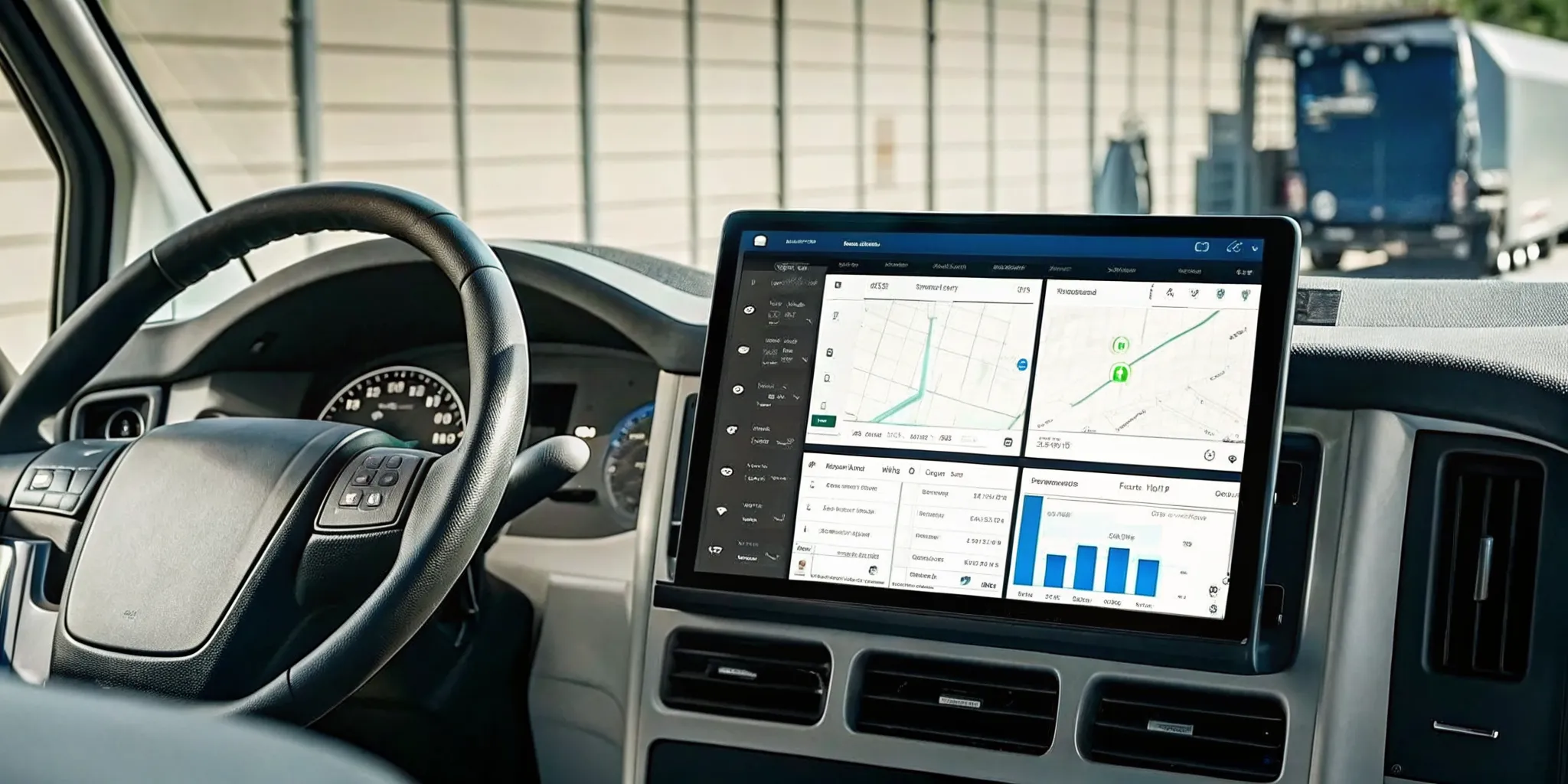
Different users need different details. Dispatchers need active work and location context. Safety teams need risky behavior, camera events, and coaching history. Maintenance teams need faults, inspection results, and service schedules. Executives need trends, costs, and ROI indicators.
Role-based dashboards keep each person focused without hiding the truth from the broader organization. Fleetistics helps teams design this type of operating view through Geotab GO platform capabilities, reporting options, and implementation support. The goal is to align the portal with the way the fleet actually works.
Dashboards and live maps that reduce decision lag
The best dashboards do not try to display everything at once. They prioritize the current operating picture, exceptions that need action, and trend lines that help managers see whether decisions are improving performance.
Dashboard quality is one of the fastest ways to separate a useful portal from a data warehouse with a login page. A strong dashboard answers the question, “What should we do next?” It uses live maps, alerts, status cards, trend charts, and drill-down reports to make the next step obvious.
Live maps should show more than dots on a screen. They should connect vehicle location with route progress, driver status, zone activity, and exception context. If a truck is late, the manager should be able to see whether the issue is traffic, dwell time, routing, driver behavior, or an equipment problem.
Dashboards also need flexibility. A public works department, field service team, construction fleet, and delivery operation may all use the same core telematics data, but each will measure different outcomes. Fleetistics’ fleet management platform comparison highlights why buyers should look at dashboards, alerts, custom reports, mobile apps, API access, and integrations together.
Exception-first design
Good portal design surfaces exceptions before raw data. Unsafe driving, extended idle time, route deviations, engine faults, missed inspections, unplanned asset movement, and late arrivals should stand out clearly. The portal should not require a manager to hunt through dozens of reports to find today’s risk.
Exception-first design also helps reduce alert fatigue. The goal is not to send more notifications. The goal is to send the right notifications to the right user at the right time, with enough context to act.
Alerts, reporting, and analytics that surface exceptions
Alerts, reports, and analytics matter when they connect to specific business goals. They should help teams reduce unsafe driving, control fuel use, improve maintenance timing, document compliance, and find productivity gaps.
Alerts should be specific enough to drive action. A speeding alert, harsh braking event, idling exception, engine fault, after-hours movement, or missed inspection should tell the manager what happened. It should also show where it happened, who was involved, and what should happen next.
Reporting turns those moments into patterns. A single unsafe driving event may require coaching. A trend across multiple drivers, routes, or locations may require policy changes, route redesign, manager training, or a different vehicle assignment. A portal that combines alerts with reporting makes that pattern easier to see.
Fleetistics supports these workflows through fleet management software solutions. These solutions connect GPS tracking, telematics data, reporting, and operational analysis. For fleets that need specialized equipment or added modules, the fleet products catalog gives buyers a way to explore hardware and solution options by need.
Reports that match operating goals
Reports should be built around decisions, not vanity metrics. Useful reports include fuel use, idling, route adherence, maintenance status, inspections, driver scorecards, asset utilization, safety events, and compliance activity. Each report should have an owner who knows what action follows.
For example, a maintenance report should not only show overdue service. It should help the team prioritize the next bay opening, identify repeated faults, and confirm whether preventive maintenance is reducing emergency repairs. A safety report should not only rank drivers. It should support fair coaching and documented improvement.
Which access controls and mobile tools matter most?
The most important access controls are role-based permissions, clean user management, secure reporting access, and mobile workflows that let managers and drivers act without exposing unnecessary data.
Fleet data touches operations, safety, HR, finance, maintenance, customer service, and executive planning. That makes user access more than an IT concern. The portal should let administrators control who can see vehicles, drivers, reports, alerts, cameras, billing details, and exported data.
Role-based access protects sensitive information while keeping work moving. A dispatcher may need real-time location and route exceptions. A safety manager may need camera events and driver scorecards. A finance leader may need fuel, utilization, and ROI reporting. Giving every user the same access creates risk and clutter.
Mobile access is equally important because fleet work does not stay at a desk. Managers may need to check alerts from the field. Drivers may need to complete inspection steps, review assignments, or communicate status. The portal should support fast action while keeping records consistent.
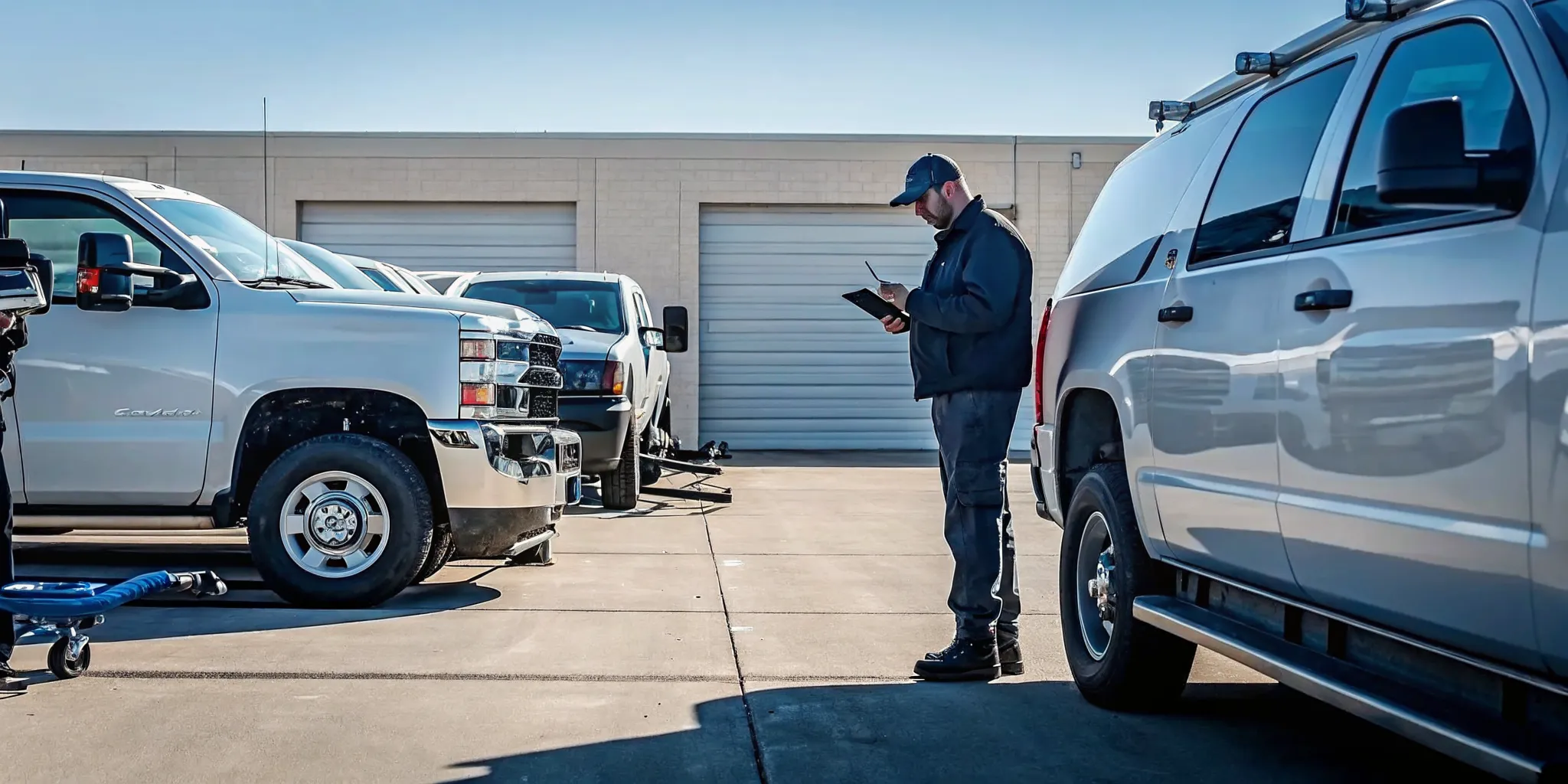
Compliance and safety workflows
Access controls become especially important in compliance and safety workflows. ELD, DVIR, IFTA, camera events, maintenance records, and coaching notes must be easy to manage and careful to protect. The portal should support the audit trail without making the process hard for drivers or managers.
The CDC fleet safety guidance emphasizes policy, driver behavior, and safety management. Portal access should support that kind of program by giving the right stakeholders timely, accurate information.
How integrations turn a portal into an operating system
Integrations turn a portal from a tracking tool into an operating system. They connect telematics data with maintenance, payroll, routing, dispatch, safety, compliance, accounting, and business intelligence workflows.
A portal becomes more valuable when it connects with the systems the fleet already uses. Without integrations, teams often export data manually, rebuild reports, or reconcile conflicting numbers across departments. That slows decisions and weakens trust in the data.
Fleetistics’ open ecosystem is a major advantage here. Free API access and more than 300 marketplace integrations make it easier to connect fleet data with existing business systems. Buyers should ask vendors whether integrations are native, marketplace-based, custom-built, or limited to manual exports.
For teams evaluating connected workflows, Geotab Marketplace integrations can extend the portal into routing, maintenance, cameras, fuel, compliance, and analytics. That flexibility matters because no two fleets operate exactly the same way.
Talk to a Fleetistics consultant about integrations and portal fit.
| Portal area | Isolated portal | Integrated portal |
|---|---|---|
| Dashboards. | Shows basic vehicle data. | Connects vehicle, driver, asset, and business data. |
| Alerts. | Sends generic notifications. | Routes exceptions to the right owner with context. |
| Reports. | Requires manual exports. | Feeds recurring reports and business intelligence tools. |
| Compliance. | Stores records separately. | Connects inspections, logs, fuel, and maintenance workflows. |
What support signals should buyers look for?
Buyers should look for support that covers solution design, implementation, training, troubleshooting, optimization, and ROI validation. The portal should come with experts who understand fleet operations, not only software setup.
Support is a feature because fleet technology touches daily work. A vendor can have strong software and still fail the fleet if onboarding is rushed, reports are not configured, users are not trained, or integrations are left unfinished.
Fleetistics has served fleets since 2001 and is a long-running Geotab distributor. That experience matters during evaluation because the right portal setup depends on fleet size, industry, driver workflows, compliance exposure, equipment mix, and management goals.
A structured evaluation period is also valuable. Fleetistics’ 60-day Solution Evaluation Process gives buyers a practical way to validate the fit before making a long-term commitment. That is especially useful for fleets comparing dashboards, alerts, cameras, asset tracking, ELD, DVIR, IFTA, and reporting needs at the same time.
Questions to ask before choosing
- Who helps configure dashboards, alerts, and reports after purchase?
- Can user roles match dispatch, safety, maintenance, finance, and executive needs?
- Which integrations are included, and which require custom development?
- How are drivers and managers trained during rollout?
- What support is available when alerts, reports, or devices need attention?
How to compare fleet management portal options
Compare portal options by scoring each platform against daily workflows: visibility, alerts, reporting, permissions, mobile access, integrations, compliance, support, and ROI. The best option should reduce work friction and improve measurable outcomes.
A practical comparison starts with the problems the fleet wants to solve. If the main issue is unsafe driving, prioritize alerts, camera workflows, coaching reports, and driver scorecards. If the issue is maintenance, prioritize engine data, inspection records, service scheduling, and repair history. If the issue is executive reporting, prioritize analytics, integrations, and clean dashboards.
Do not compare features in isolation. A portal may list dashboards, alerts, mobile apps, and integrations, but those features only matter if they work together. Buyers should request a demo built around real operating scenarios, not a generic screen tour.
Fleetistics can help teams compare platform tiers, hardware, integrations, and support needs. The process starts with a consultative demo. That process helps buyers identify which features are essential now, which can wait, and which add-ons will create measurable ROI.
A simple evaluation scorecard
- Visibility: Can the portal show current vehicle, driver, asset, and maintenance status in one view?
- Action: Do alerts tell users what happened and what to do next?
- Control: Can administrators manage roles, permissions, exports, and mobile access?
- Connection: Does the portal integrate with the systems the business already uses?
- Proof: Can reports show safety, cost, productivity, and compliance improvement over time?
Frequently Asked Questions
Are cloud-based fleet management portals secure?
They can be secure when the vendor supports role-based access, strong user administration, controlled reporting exports, reliable integrations, and clear data practices. Buyers should ask how permissions are managed, how mobile users are controlled, and how sensitive driver or vehicle data is protected.
How long does it take to implement a fleet management portal?
Timing depends on fleet size, hardware, integrations, reporting goals, training needs, and compliance complexity. A small team may start quickly with core tracking and alerts. A larger fleet may need a phased rollout that includes devices, dashboards, user roles, mobile workflows, and training.
What affects the cost of a fleet management portal?
Cost depends on vehicles, assets, hardware, dashcams, subscription tier, compliance tools, integrations, reporting complexity, and support needs. Fleetistics uses a consultative process so buyers can match the solution to the expected return instead of paying for features they will not use.
How do you measure whether a fleet management portal improves daily operations?
Track metrics tied to the original business problem. Common measures include unsafe driving events, idle time, fuel use, route exceptions, maintenance completion, inspection compliance, utilization, response time, and reporting hours saved. The portal should make those trends easy to review.
Ready to Make Daily Fleet Decisions Faster?
Fleetistics helps fleet teams choose portal features that fit real operations, from Geotab dashboards and alerts to integrations, mobile tools, compliance workflows, and support.
If your current tools make managers search for answers, it may be time to compare a more connected portal. Fleetistics can help you review your fleet goals, identify the portal features that matter most, and validate the fit through a practical demo and evaluation process.