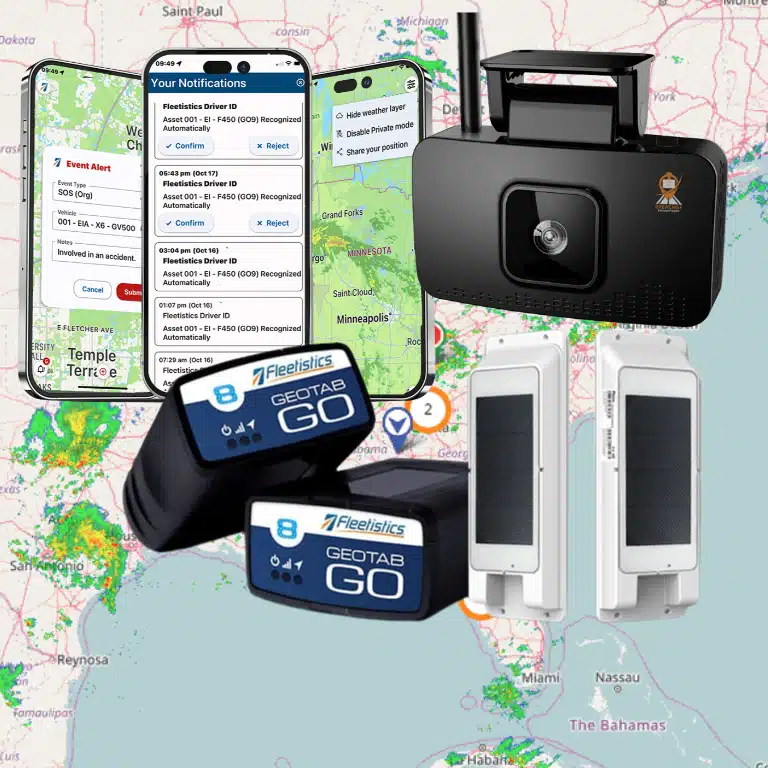
Fleet GPS tracking for HVAC companies helps service managers reduce wasted travel, coordinate technicians, and protect the customer experience. Every HVAC service call carries two clocks: the customer’s deadline and the technician’s windshield time. When dispatchers cannot see where vans are, routine delays become missed windows, extra fuel, and a second visit when the right technician or part was not available.
Speak with a consultant about fleet GPS tracking for your HVAC company
Fleet GPS tracking for HVAC companies reduces drive time by giving dispatchers real-time vehicle visibility, routing context, and better technician assignment options. That visibility helps teams respond to urgent calls, increase calls handled per technician, and improve first-call fix rates by getting the right resource to the job sooner.
The goal is not to watch dots move on a map. It is to connect vehicle location with dispatch decisions, service reliability, and measurable fleet performance. Fleetistics’ fleet tracking by industry guide shows how this approach applies across field-service operations, including HVAC. HVAC fleets face a particularly demanding mix of scheduled maintenance, emergency work, changing priorities, and customer expectations, which makes real-time visibility especially valuable.
Why Do HVAC Fleets Need GPS Tracking More Than Most Industries?
When a customer loses heating or air conditioning, a service appointment is rarely flexible. A few minutes of avoidable driving can push a technician past an arrival window and disrupt the rest of the schedule. One late call can turn into several frustrated customers. That makes reliable, real-time vehicle visibility an operating requirement for HVAC companies, not merely a convenience for the office.
HVAC work is also unusually dependent on matching the right technician to the right job. Emergency repairs may need a fast response, while scheduled maintenance calls still depend on predictable arrival times. With GPS tracking, you can see where each van is and identify who is closest to the next service address. You can adjust assignments when traffic, cancellations, or urgent requests change the plan.
The service vehicle itself carries a significant portion of your business. Vans may hold specialized tools, replacement parts, refrigerant-related equipment, and other high-value assets needed to complete a job. A vehicle breakdown or missing equipment can cause a missed call, a second trip, or an expensive reschedule. Telematics visibility and vehicle health information help you spot issues earlier and reduce the chance that an unplanned failure removes a technician from the schedule.
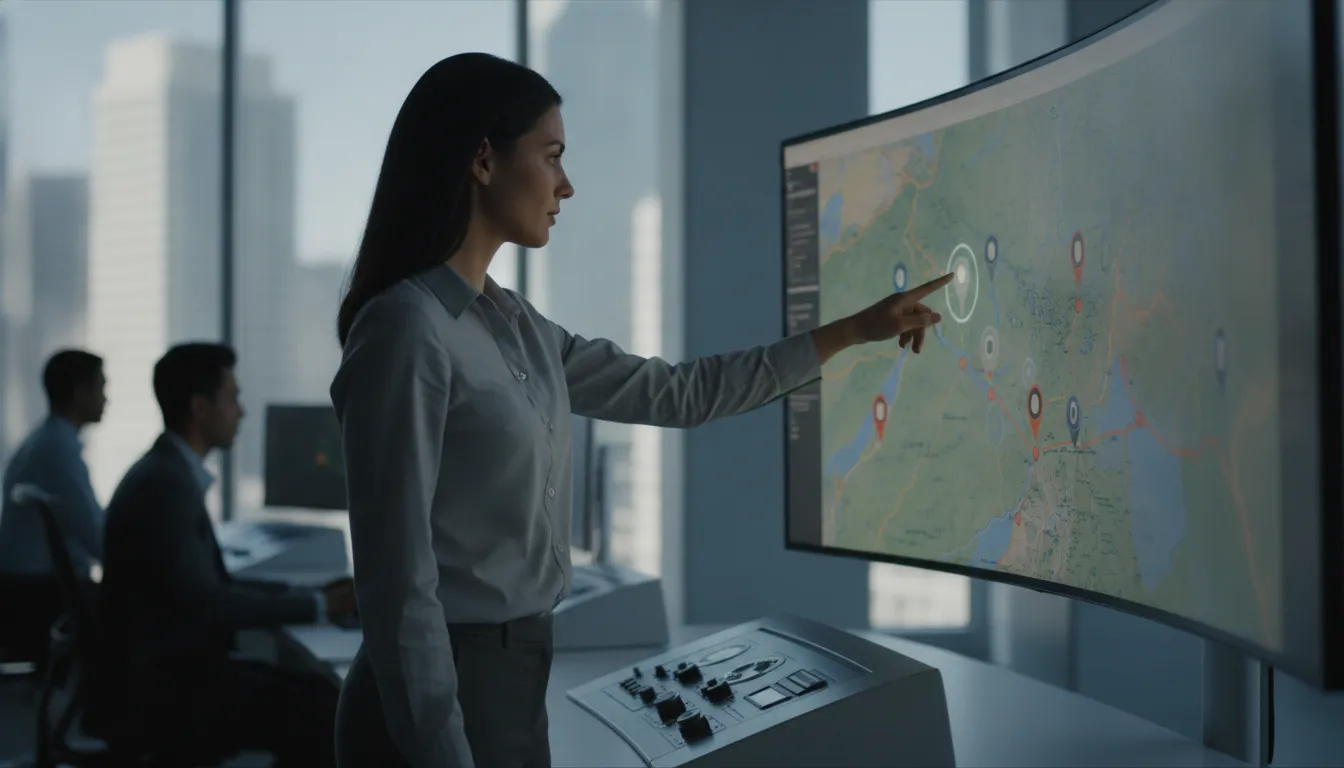
There is a direct relationship between travel efficiency and service capacity. HVAC service efficiency depends on minimizing technician travel time between sites through better dispatch and routing. When your team spends less time crossing the service area, technicians have more opportunity to complete additional calls. Fleetistics identifies optimized scheduling through telematics as a way for HVAC teams to maximize service calls per technician per day. Real-time location visibility also supports stronger first-call fix rates and service reliability.
Fuel and idle time make that margin pressure sharper. Every unnecessary mile consumes fuel without producing billable work, and excessive idling adds cost while contributing to engine wear. Tracking patterns across your fleet gives you a practical way to identify waste, coach drivers, and make routing decisions based on how your vehicles actually operate.
HVAC is not the only time-sensitive field service business. The same visibility principles apply across GPS tracking for field service fleets, where response speed, route density, vehicle readiness, and customer communication all affect daily revenue. For HVAC operators, however, the combination of emergency demand, strict appointment windows, expensive onboard equipment, and tight operating margins makes dependable tracking especially valuable. To see how these priorities differ across construction, field service, government, and asset-heavy operations, consult the fleet tracking by industry guide.
How Does Fleet GPS Tracking for HVAC Companies Reduce Drive Time and Fuel Costs?
Every unnecessary mile adds cost to an HVAC service call. When you use fleet GPS tracking for HVAC companies, you can see where each vehicle is. You can compare that location with the next appointment and make routing decisions before a technician loses time in traffic or backtracks across town.
Real-time routing helps dispatchers adjust plans as conditions change. If congestion, a road closure, or an urgent call disrupts the schedule, you can identify the technician who is best positioned to respond and send updated directions. That keeps the rest of the schedule moving instead of adding another vehicle to the road. GPS data also supports optimized routing that reduces fuel consumption in field service fleets, according to Fleetistics’ fleet-management guidance.
Use geofences to make every service zone visible
Geofencing gives you a practical way to organize the territory your technicians cover. Create virtual boundaries around customer sites, neighborhoods, large developments, or temporary work zones. When a vehicle enters or leaves one of those areas, your team can confirm movement without relying on manual check-in calls.
This visibility helps you spot avoidable trips. If a technician is already near a service zone, dispatch can consider that position when assigning the next job. If a vehicle leaves a work area unexpectedly, you can check whether the change reflects a real customer need or an inefficient route. Over time, those patterns show you where schedules, territories, or appointment sequences need adjustment.
Turn idle-time alerts into measurable fuel control
Idling is easy to overlook because the vehicle is not moving, but the fuel expense continues. Idle-time alerts show you when a van remains running beyond the limit you set. That gives supervisors a specific coaching opportunity and helps distinguish necessary operating time from habits that increase fuel use and engine wear.
Reducing engine idling is a primary driver of fuel savings and engine health for service fleets. The U.S. Department of Energy’s Alternative Fuels Data Center also identifies fleet analysis and technology integration as tools for improving operational efficiency. Use the data to set a baseline, establish a reasonable idle threshold, and track improvement by vehicle or team instead of treating fuel reduction as a vague goal.
Automated route planning can reduce unproductive road time and travel fuel costs for mobile teams, a point supported by NYSERDA’s fleet optimization guidance. For a deeper look at the operational payoff, see reducing drive time and fuel costs, and for HVAC-specific guidance see fleet GPS tracking for HVAC fleets. The result is more than a lower fuel bill. You also create capacity for more service calls without adding vehicles or extending the workday.
How Do You Get the Nearest Technician to the Next Job?
Dispatch optimization is where fleet GPS tracking for HVAC companies produces its fastest payoff. Matching the nearest available technician with the right skills, parts, and truck helps a dispatcher turn a customer call into a shorter response, fewer miles, and more completed jobs per day.
When a customer calls with a failed furnace or a leaking air conditioner, the best technician is not always the one who appears least busy on the schedule. A calendar can show assignments, but it cannot tell you who is actually closest, which technician is still finishing a job, or which truck has the tools needed for the repair. Live location data gives dispatchers a current view of the field, so the next assignment reflects what is happening now rather than what was planned hours ago.
With real-time vehicle location data, your dispatcher can compare the customer’s address with the position and status of every available technician. That makes it easier to send a nearby technician instead of routing someone across town because their name happens to be next on a list. The result can be less windshield time, fewer unnecessary miles, and more capacity for the calls already waiting.
| Dispatch without real-time tracking | Dispatch with fleet GPS tracking |
|---|---|
| Assigns by schedule order or who appears least busy | Assigns by who is actually closest and available now |
| Reacts slowly when an emergency call arrives | Reroutes the nearest appropriate technician in minutes |
| No live position when matching skills and parts | Combines location, skill level, and truck inventory |
| More windshield time and unnecessary miles | Less travel, more calls completed per day |
Reroute the right technician when priorities change
HVAC demand rarely follows a clean sequence. An emergency call may arrive while a technician is traveling to a routine maintenance visit. A customer may cancel, a job may take longer than expected, or traffic may make the original route impractical. Dynamic rerouting lets dispatch respond to those changes by redirecting the closest appropriate technician to the urgent call, rather than rebuilding the entire day’s schedule manually. This capability is especially useful when response time affects safety, equipment damage, or customer retention. Real-time GPS tracking supports rerouting for service emergencies while helping dispatch prioritize high-value calls.
Match skills and parts, not just distance
Distance is only one part of an efficient assignment. Sending the nearest technician is not efficient if that technician lacks the required certification, experience, or replacement part. Your dispatch process should combine vehicle location with technician skill level, job type, availability, and truck inventory. A slightly farther technician with the right compressor part may complete the repair in one visit, while the closest technician may need to return later.
This is where GPS and field-service software integration matters. An open platform can connect back-office dispatch information with driver location, reducing the gap between what the office knows and what technicians are doing in the field. It also gives managers a more useful basis for measuring first-time completion, a critical field-service efficiency metric. Data-driven telematics can help improve that metric when assignments account for both proximity and job requirements. Research from Southern Methodist University discusses first-time completion as a key measure of field-service efficiency.
Used this way, fleet GPS tracking for HVAC companies is not simply a map on a dispatcher’s screen. It is a decision system for putting the right technician, vehicle, and parts combination on the next job with less avoidable travel.
How Do Real-Time ETAs and Arrival Confirmation Improve Customer Experience?
Real-time ETAs and arrival confirmation turn location data into dependable customer communication. Dispatchers can send a realistic arrival window, notify customers when the schedule changes, and record when a technician reaches the site. This reduces callbacks and strengthens proof of service.
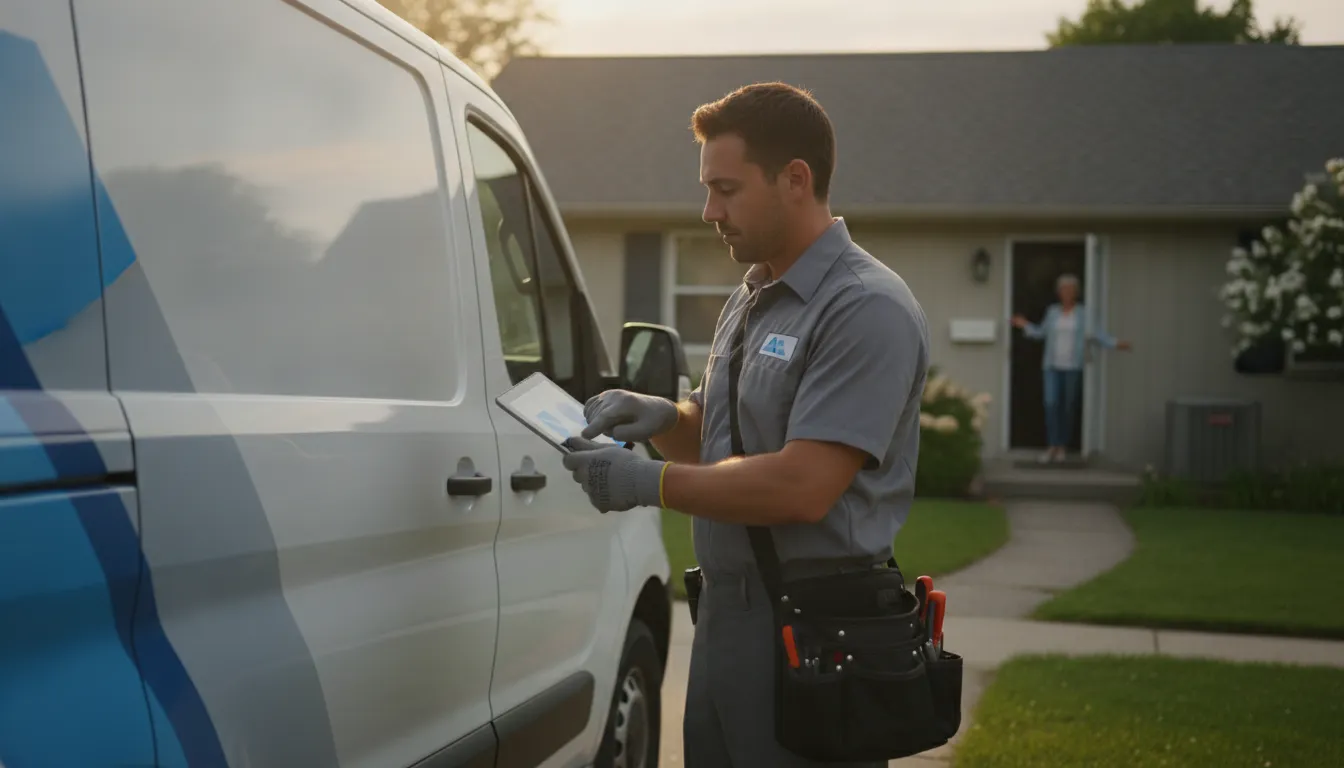
Customers rarely expect an HVAC technician to arrive at an exact minute. They do expect a dependable arrival window and a clear explanation when conditions change. With live technician location data, your dispatcher can provide an ETA based on where the vehicle is now, the route ahead, and the work already assigned. This is more useful than relying on a static schedule.
That visibility reduces the uncertainty that drives repeated callbacks. If a repair runs long or an urgent call changes the schedule, your team can notify the next customer before the appointment window is missed. Fleet visibility also helps you respond to scheduling shifts and urgent service requests as they happen, which supports stronger responsiveness and service reliability.
Give customers ETAs your team can explain
An ETA is most useful when it is connected to an operational decision. A dispatcher can see which technician is closest, whether that technician is still at the prior site, and whether traffic or a new priority call requires a change. The customer receives a realistic update, while your office avoids asking technicians to stop and report their location manually.
This matters to service reliability. Accurate visibility into technician locations is a cornerstone of improving first-call fix performance because dispatchers can match the right available resource to the next job and keep customers informed when the plan changes. You can also give customers a proactive message instead of waiting for them to call and ask, “Where is the technician?”
Turn arrival events into proof of service
Arrival confirmation creates a consistent record of when a vehicle reached the job site and when it left. That record can support proof of service, especially when a customer questions an arrival window or the amount of time spent on site. GPS data can help HVAC firms verify technician arrival and service times for more accurate billing and stronger customer assurance.
It can also replace disconnected paper notes and memory-based time entry. Research on location-sensing timekeeping describes how real-time location data can help manage field technician work hours effectively, which supports a more reliable process for recording time and attendance. This academic study from NIH/PMC provides relevant evidence for location-based time tracking.
When you connect those timestamps with your billing or payroll workflow, the record becomes useful beyond the dispatch screen. You can compare scheduled time with actual arrival, distinguish travel from on-site work, and resolve disputes with documented events. For more visibility into field service fleets, combine vehicle tracking with the operational data your team already uses.
How Quickly Does Fleetistics Set Up HVAC Fleet Tracking?
Fleetistics can typically set up HVAC fleet tracking in about a week by assessing your fleet, installing the right devices, configuring geofenced work zones, and connecting your dispatch software before training your staff. Your team gets dependable visibility quickly, with 24/7 support available throughout rollout and beyond.
Getting started should not require a long technology project or force you to replace the field-service tools your team already knows. Fleetistics approaches fleet GPS tracking for HVAC companies as an implementation process. This is more than a box of devices. You get a practical setup built around your vans, dispatch workflow, and service goals.
For a typical HVAC fleet, the core installation can happen in about a week. Here is what that process looks like. If you are comparing this guide with Fleetistics’ commercial HVAC GPS tracking resource, use both pages together: that resource covers the vertical solution, while this guide focuses on daily dispatch and route decisions.
-
Assess your fleet and service workflow
First, Fleetistics reviews how your fleet operates today. That includes the number and types of service vehicles, technician schedules, service territories, dispatch routines, and the problems you want to solve, including excessive idle time, missed ETAs, or limited visibility between the office and the road.
This assessment keeps the rollout focused. You are not buying features without a purpose. You are identifying the data and alerts that can support technician utilization, service reliability, and better first-call decisions.
-
Install the right devices in your service vans
Fleetistics matches the hardware to each vehicle and your operating preferences. Quick-install OBD-II devices can be a practical fit for compatible vans, while hardwired devices provide a more permanent installation when that is the better choice for your fleet.
The goal is to get reliable vehicle location and diagnostic data without creating unnecessary downtime for technicians. Telematics data can also support proactive maintenance scheduling, helping you address vehicle issues before they create unplanned service delays.
-
Configure geofenced work zones
Next, your team can define service territories, branches, customer areas, yards, or other locations that matter operationally. Geofences turn location data into useful events, such as an arrival or departure notification, rather than leaving managers to watch map dots all day.
These zones help you confirm site activity, understand time spent at jobs, and give dispatchers a clearer view of where technicians are working.
-
Connect the platform to your dispatch software
Fleetistics is a long-running Geotab distributor, and its open platform is designed to connect GPS data with the field-service and dispatch software you already use. The platform supports 300+ integrations, helping bridge the gap between back-office scheduling and driver location instead of creating another isolated system.
Learn more about the Geotab GO platform and how an open approach can fit into your existing workflow.
-
Train your staff and keep support available
Before the rollout is complete, Fleetistics helps your dispatchers and managers understand the dashboards, alerts, reports, and daily workflows that matter to them. You can start with the essentials, then expand as your team gains confidence.
Fleetistics acts as an advocate throughout implementation rather than simply selling devices. With 24/7 support, your team has help when a question or vehicle issue appears outside normal office hours.
Contact Fleetistics to talk through HVAC fleet tracking
Talk with a Fleetistics consultant about HVAC fleet tracking
Frequently Asked Questions
How does GPS tracking help HVAC businesses respond to emergency calls?
Real-time vehicle visibility helps dispatchers identify which technician is closest, see current vehicle status, and assign the next job with less guesswork. That can shorten response time without pulling a technician away from a higher-priority service call.
How does GPS tracking improve the first-call fix rate?
Tracking alone does not repair equipment, but it gives dispatchers better operational information. You can match the nearest available technician to the call, account for current location and schedule, and use arrival and job-site data to improve future dispatch decisions.
How can GPS tracking improve HVAC billing and payroll?
Location and time records can help verify when a vehicle arrived, how long it remained at a job site, and when the technician left. Those records provide clearer support for service documentation, invoice questions, and timekeeping, subject to your company’s payroll policies.
What should you look for in an HVAC fleet GPS solution?
Prioritize reliable real-time location data, route and idle reporting, dispatch integration, geofencing, and reporting that your team will actually use. An open platform with broad integration capability is especially useful when your HVAC operation already depends on scheduling, dispatch, maintenance, or customer-management software.
Is it legal for an employer to track an employee using GPS?
Business vehicle tracking is commonly used for legitimate purposes such as fleet management, safety, and service coordination, but requirements vary by jurisdiction. Tell employees what is tracked, why it is collected, and when monitoring applies, then have your policy reviewed for the states or provinces where you operate.
Ready to Improve Your HVAC Fleet’s Daily Operations?
When you can see where technicians are, plan routes around real conditions, and coordinate dispatch with confidence, your team can spend less time driving and more time completing service calls.
Contact Fleetistics to speak with a consultant about your HVAC fleet