


What is the best ELD for your fleet?
The best ELD for your fleet is the one that fits the drivers who must record hours of service, supports the required compliance workflow, and gives drivers and administrators a clear way to review, correct, certify, and transfer records. Start by confirming which drivers are required to prepare records of duty status under applicable hours-of-service rules. A qualifying local or short-haul operation may use an exception, while drivers who must prepare records of duty status generally fall within the ELD rule, subject to listed exceptions.
Use FMCSA hours-of-service guidance as the compliance starting point, then compare how each system works in the cab and in the back office. The right choice is not defined by a feature list alone. It should reduce logging friction, give managers usable oversight, and support a defensible implementation process.
Ask Fleetistics to help compare ELD options
Does your fleet need an ELD?
ELD applicability is connected to commercial driving and hours-of-service recordkeeping requirements. It is not a default requirement for every local-service or short-haul fleet. Review the operation’s routes, driver schedules, vehicle use, and recordkeeping history before selecting a product.
Some short-haul, timecard-based operations may qualify for an exception. Other limited exceptions can apply based on how often records of duty status are required, the type of operation, or the vehicle’s model year. Exceptions have conditions, so do not assume that a local route or a small fleet is automatically exempt. Confirm the current rule and the facts of your operation with FMCSA guidance or a qualified compliance professional.
For a focused overview of applicability, read Who is Required to Use ELD?. This article then focuses on how to compare an ELD after you establish that the operation needs one.
When an ELD is required, evaluate the full workflow. Drivers need a clear way to select duty status, review logs, document changes, certify records, and handle inspections. Managers need visibility into remaining hours, exceptions, supporting documents, and unresolved edits without creating a second manual process.
What should you compare in an ELD?
Compliance workflow
Confirm that the solution supports the records, review steps, and transfer process your operation requires. Ask how the provider keeps compliance documentation current and how you can verify the device and service configuration against current FMCSA requirements.
Driver workflow
A good driver experience is direct and predictable. Compare login and vehicle assignment, duty-status changes, log review, edits, certification, inspection support, and the way the system handles a lost connection or device issue. A complicated workflow can create avoidable errors even when the underlying system is capable.
Administrative controls
Fleet administrators should be able to review exceptions, manage edits, monitor supporting documents, and see which items need attention. Look for clear permissions and an audit trail so the organization can distinguish a driver correction from an administrative change.
Connected compliance tools
If your operation also manages inspections or fuel-tax records, compare whether the platform connects ELD information with DVIR and IFTA workflows. Fleetistics offers ELD, DVIR, and IFTA compliance options, so a buyer can evaluate whether a connected approach fits the fleet instead of stitching together separate tools.
Review the Fleetistics ELD and HOS resource for the related compliance solution scope.
How should you evaluate mobile workflow, support, and implementation?
Request a demonstration that follows a real workday. Have a driver complete the common tasks, then ask an administrator to review the same records, resolve an exception, and prepare information for an inspection. This reveals more than a feature checklist.
Also ask how the provider handles onboarding, training, device assignment, user permissions, support requests, and data access. If your fleet already uses dispatch, maintenance, fuel, or accounting software, confirm the available integration path before committing. A scalable platform should match the fleet’s operating model rather than force every customer into the same workflow.
Fleetistics approaches ELD selection as part of a broader fleet management plan. Its Geotab partnership, modular platform options, and related GPS tracking, mobile app, and fleet management services can help buyers evaluate compliance alongside daily operations. The appropriate configuration depends on the fleet, the vehicles, the routes, and the required records.
Contact Fleetistics to compare ELD options for your fleet
Frequently Asked Questions
Is every local fleet required to use an ELD?
No. ELD applicability depends on the operation and the applicable hours-of-service recordkeeping requirements. Some local or short-haul operations may qualify for an exception, but fleet size or route length alone does not establish an exemption.
What is the most important ELD feature for drivers?
Choose a workflow that makes ordinary tasks clear: vehicle assignment, duty-status changes, log review, corrections, certification, and inspection support. A system drivers can use consistently is easier to manage and less likely to create avoidable errors.
What should a fleet manager verify before choosing an ELD?
Verify the compliance workflow, driver usability, administrative permissions, audit history, support process, data-transfer options, and integration needs. Review the current FMCSA guidance and test the complete workflow with the people who will use it every day.
Can an ELD support more than hours-of-service records?
Yes. Depending on the platform and configuration, a fleet may connect ELD data with DVIR, IFTA, GPS tracking, maintenance, routing, or other operational workflows. Evaluate only the capabilities your fleet can verify and use.
Ready to choose an ELD with confidence?
Start with applicability, then test the workflow against real driver and administrator needs. A consultative review can help your team separate required compliance functions from optional features and choose a configuration that fits the way your fleet operates.

Get in touch today!

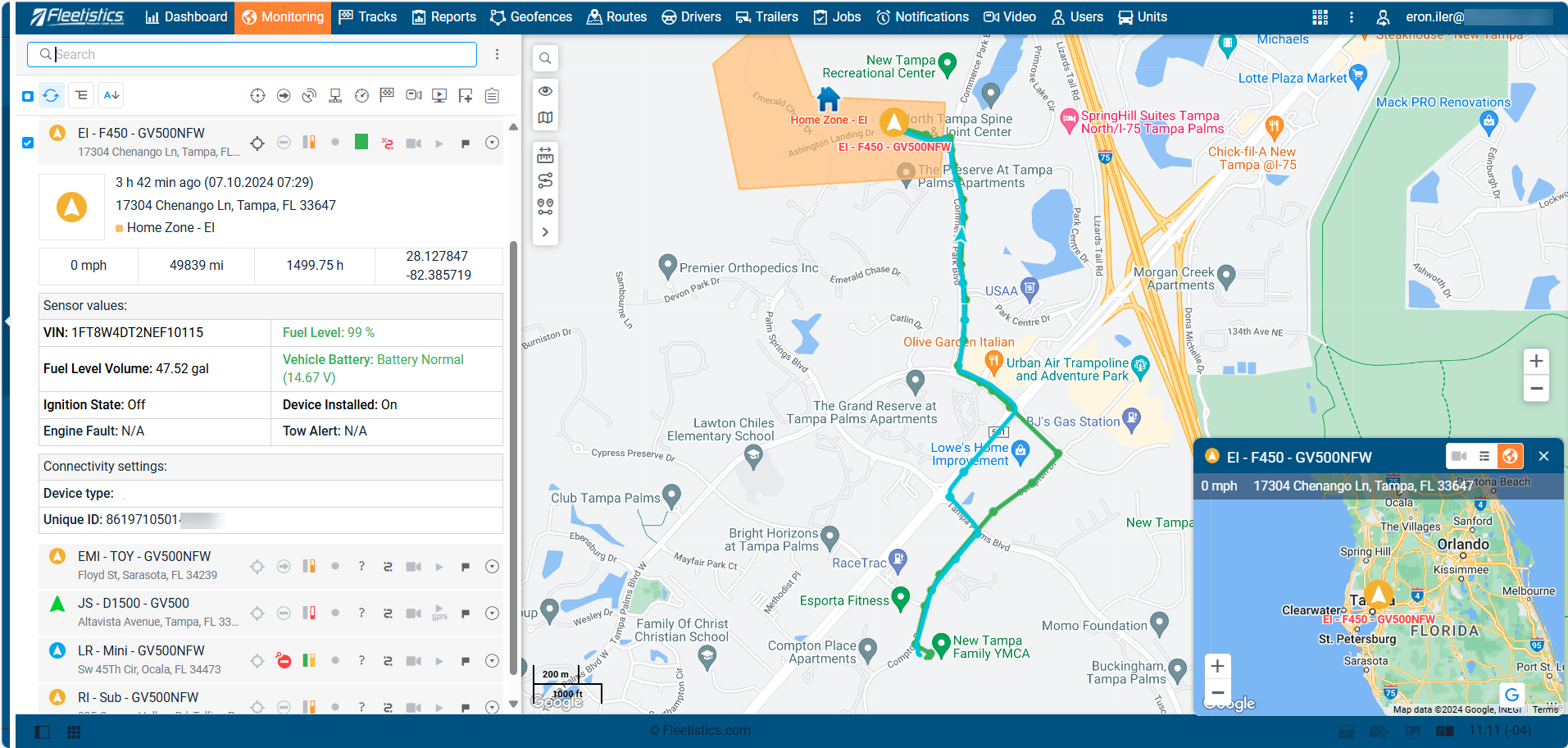
GPS Tracking
A complete line of GPS Tracking devices for trucks, cars, equipment and assets.

Fleet Management
A robust eco-system for advanced fleet management requirements with over 200 3rd party integrations. Options for ELD, IFTA, DVIR, DTCs, towing, APIs, routing, and more.
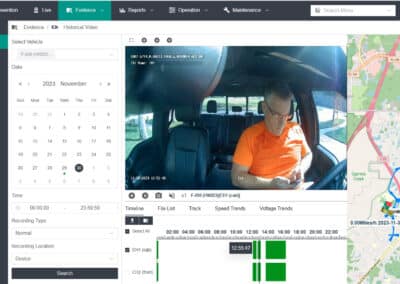
Dashcams
Power dashcam video solutions ranging from affordable insurance cameras, to AI driven advanced fleet safety systems. Options for 1 to 5 cameras.

Mobile App Solutions
Multiple mobile app solutions including app tracking, lone worker, DVIR, messaging, SOS, waypoints, off-road trips, and accident reporting.