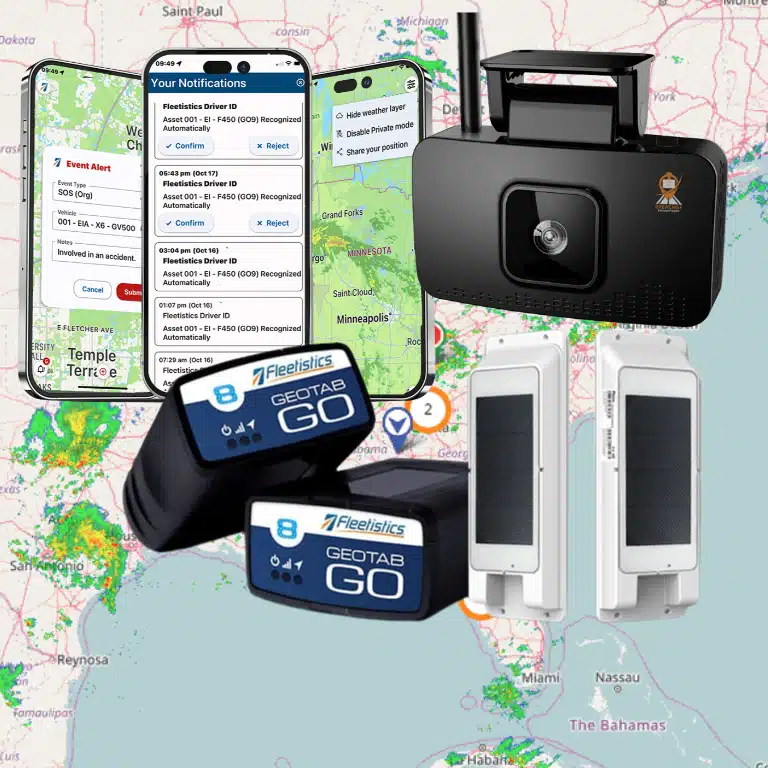
Specialty equipment tracking gives fleet managers a practical way to monitor assets that do not fit a standard vehicle profile, including trailers, generators, machinery, agricultural equipment, and watercraft. The best approach matches each asset with the right power source, enclosure, reporting needs, and workflow instead of forcing every item into the same tracking plan.
What is specialty equipment in a fleet?
Specialty equipment is any high-value, mobile, stationary, or intermittently used asset that supports operations but is not managed like a standard on-road vehicle. It may include a trailer, pump, generator, excavator, farm implement, boat, or other machinery. Its tracking requirements depend on how it moves, how it is powered, and where it works.
That definition matters because a specialty asset can create operational risk even when it never carries a driver. A trailer may be separated from the vehicle that pulls it. A generator may move between job sites. A watercraft may spend part of the year stored and part of the year in service. A piece of machinery may be shared by several crews without a reliable handoff record.
Instead of starting with a device catalog, start with an asset inventory. Record the asset name, identification number, owner or department, normal location, power source, expected movement, operating environment, and business consequence of loss or downtime. This information becomes the basis for a right-sized monitoring plan.
Which assets usually need specialty equipment tracking?
- Trailers and containers: These may be parked away from the tractor or stored in a crowded yard, making last-known location and movement visibility important.
- Powered machinery: Excavators, loaders, tractors, lifts, and other machines may support multiple sites and need location, operating-hour, or diagnostic visibility when compatible data is available.
- Portable equipment: Generators, compressors, pumps, and high-value tools can move between teams and locations without a driver log.
- Watercraft: Boats and other marine assets may need location visibility, storage-yard monitoring, and a deployment history suited to their power and communications environment.
- Specialized vehicles: Vehicles with unusual bodies, attachments, or duty cycles may need a more flexible configuration than a normal car or truck.
How should you classify an asset before choosing hardware?
Classify every specialty asset by power, movement, environment, and data need before choosing a tracker. A powered machine may support hardwired telematics, while an unpowered trailer may need a battery-powered device. A frequently moving asset needs different reporting than a seasonal asset stored in a yard.
| Asset question | Why it matters | Possible monitoring approach |
|---|---|---|
| Does it have a reliable power source? | Determines whether the device can draw power continuously or must conserve a battery. | Vehicle or equipment telematics, hardwired options, rechargeable battery, or solar-assisted hardware when supported. |
| How often does it move? | Sets expectations for location-update frequency and alert timing. | More frequent reporting for active assets, event-based or scheduled reporting for stored assets. |
| Where does it operate? | Dust, water, vibration, heat, and remote locations affect enclosure and connectivity needs. | Rugged, weather-resistant hardware and a connectivity plan matched to the operating area. |
| What data is actually needed? | Prevents paying for or promising information the asset cannot produce. | Location, movement, runtime, diagnostics, utilization, or compatible third-party data. |
| Who acts on an alert? | An alert has value only when a person owns the response. | Operations, maintenance, security, dispatch, or a designated asset manager workflow. |
This classification also keeps a deployment honest. A GPS device can provide location when it has a satellite view and a working connection, but not every device can report engine data, runtime, temperature, vibration, fuel level, or other equipment signals. Those data points require compatible hardware, wiring, sensors, integrations, and configuration. Treat them as selectable capabilities, not universal features.
What hardware options work for non-standard assets?
Hardware selection should follow the asset rather than the other way around. Consider power, installation, concealment, environmental exposure, service access, and expected reporting. Fleetistics offers GPS tracking hardware and platform options that can be matched to vehicles, equipment, trailers, and other assets as part of a broader fleet strategy.
Hardwired options for powered equipment
Powered machinery can often use a hardwired tracker connected to an appropriate power source. This can reduce the need for routine battery changes and support a consistent connection while the asset is in service. It is not automatically an upgrade over every other configuration: installation access, battery behavior, service requirements, and the asset’s electrical system all need to be evaluated.
Battery-powered options for trailers and portable assets
Battery-powered devices can be useful for trailers, containers, portable generators, and other assets without a dependable always-on power source. The tradeoff is that reporting frequency and battery life must be balanced. A manager should define how quickly movement must be detected, how often the asset is expected to move, and who will maintain or recharge the device.
Rugged installation for difficult environments
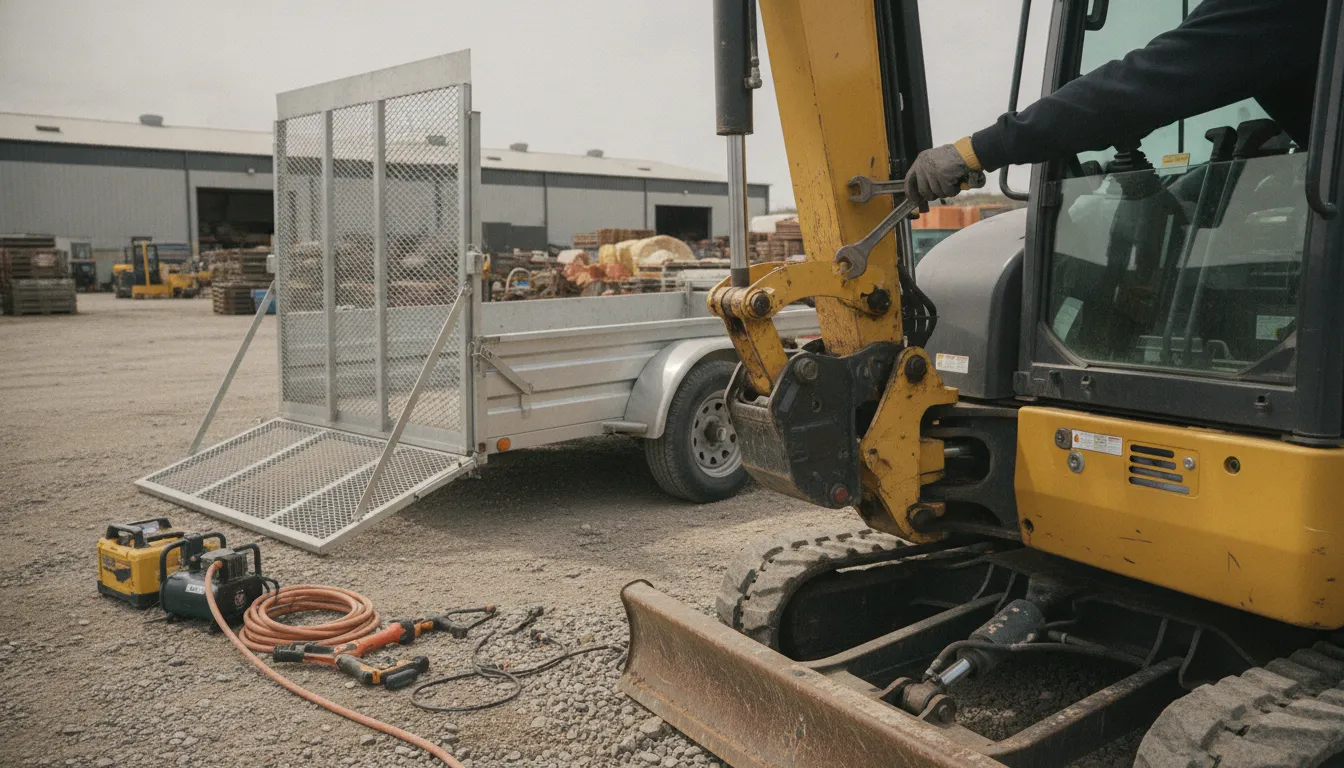
Construction sites, agricultural properties, yards, and marine environments can expose equipment to weather, dust, vibration, impact, or tampering. Ask about the device’s approved installation method and environmental specifications. The best location is secure, serviceable, and appropriate for the asset, not simply the most hidden place available.
How do you avoid over-specifying a tracker?
Write a short device brief before requesting recommendations. Include the asset type, photos or mounting constraints, power source, typical movement, operating region, required update speed, desired alerts, and data integrations. This gives a provider enough context to recommend a configuration without claiming that every asset can produce the same telematics data.
Fleetistics can also help teams compare a modular approach with an API-first or data-focused deployment. Its platform ecosystem includes vehicle and asset tracking, multiple device options, and free API access for connecting fleet data to other business systems. The right choice depends on whether your team needs a ready-to-use portal, a unified view, custom integrations, or a combination.
Which visibility features matter most?
Location visibility is the foundation of specialty equipment tracking, but useful monitoring also connects location to an operational decision. Managers should be able to identify where an asset is, whether it moved as expected, whether it is assigned to the right site, and what action follows an exception.
Last location and live location
Live or recent location can reduce time spent searching yards, confirm that equipment arrived at a site, and support a response when an asset moves unexpectedly. The appropriate update frequency depends on the asset’s risk, movement, power, and connectivity. A seasonal asset may not need the same reporting pattern as a trailer in daily rotation.
Geofences and movement alerts
A geofence defines a virtual boundary around a yard, worksite, storage area, or other location. A movement or boundary alert can prompt a review when equipment moves outside an expected window. Configure alerts around real decisions. If every minor movement creates a notification, teams may start ignoring the events that matter.
Assignment and site history
Location history helps managers understand where an asset has been and whether it was deployed as planned. Pair that history with asset IDs, site names, responsible teams, and work orders when possible. This creates a more reliable chain of custody than a spreadsheet updated only when someone remembers to make a change.
For a deeper look at how non-vehicle assets can be organized and protected, see Fleetistics’ asset tracking for non-vehicle equipment guide. That article serves the narrower non-vehicle asset topic, while this guide focuses on choosing and rolling out a monitoring framework across a mixed specialty fleet.
Contact Us Today to Match Hardware to Your Assets
How can utilization data improve equipment decisions?
Utilization data shows whether equipment is working, idle, moving between sites, or assigned in a way that supports demand. It helps managers replace assumptions with evidence when they allocate equipment, evaluate rentals, schedule service, or decide whether an underused asset should move to another location.
Start with a decision, not a dashboard
Before turning on a utilization report, define the decision it should support. You might want to answer: Which trailer is available near a new job? Which generator is sitting idle? Which machine is being moved more often than expected? Which assets have not reported recently? A focused question makes the resulting report easier to act on.
Separate movement from productive use
Location changes do not always equal productive work. An asset may be transported, repositioned, or moved for maintenance. Likewise, an asset that stays in one place may be operating. If a device or integration supports runtime or another relevant signal, compare that information with location history. If it does not, label the report as location-based rather than presenting it as a measure of productivity.
Use utilization to reduce avoidable rentals and delays
When managers can see where equipment is and how it is being used, they can make better allocation decisions. An available asset at one site may prevent a new rental at another. A delayed transfer may be visible before it disrupts a crew. The objective is not to maximize activity for every machine, but to align the fleet with actual operational demand.
Fleetistics’ fleet management platform comparison can help teams evaluate the level of visibility, reporting, and integration that fits their operation. A consultative review is especially useful when vehicles and specialty equipment need to share one operating picture.
What maintenance signals can specialty equipment tracking provide?
Maintenance monitoring connects an asset’s identity and location to a service plan. Depending on the equipment, device, and integration, useful signals may include operating hours, mileage, engine diagnostics, fault events, movement, or scheduled service milestones. Not every tracker provides every signal, so the maintenance workflow should specify what is verified.
Build service triggers around available data
Use calendar-based schedules when the equipment is serviced on a fixed interval. Use mileage, runtime, or diagnostic-based triggers when the hardware and platform support them. If no machine-health signal is available, the system can still help by confirming asset location, identifying long idle periods, and keeping the service record tied to the correct equipment.
Connect alerts to maintenance ownership
An alert should identify the asset, the event, the last known location, and the next step. Route it to the person who can create a work order, contact a site lead, or take the equipment out of service. Maintenance data becomes more valuable when completion is recorded and the asset returns to an active status.
Keep claims proportional to the evidence
A fault alert can prompt inspection, but it does not replace a technician’s diagnosis. A location ping can show where an asset is, but it does not prove that the asset is operating. Clear labels protect decision quality and help managers explain what the system can and cannot confirm.
For a construction-specific use case, Fleetistics also provides a heavy equipment tracking guide for construction. Use that narrower resource for jobsite equipment questions; use this specialty equipment framework when the fleet spans multiple industries or asset classes.
How do you roll out specialty equipment tracking at scale?
A scalable rollout starts with a small group of high-value or high-friction assets, proves the workflow, and then expands by asset class. Document the configuration, naming rules, alert ownership, maintenance process, and success measures before adding every trailer, machine, or watercraft to the system.
- Inventory the assets: Create a clean list with IDs, asset types, locations, owners, power sources, and business priority.
- Group assets by monitoring need: Separate powered machinery, unpowered trailers, portable equipment, seasonal assets, and watercraft rather than treating them as one category.
- Define the minimum useful data: Decide whether each group needs location, movement alerts, utilization evidence, maintenance signals, integrations, or only last-known location.
- Pilot the highest-value group: Install a small number of devices and test activation, map accuracy, alerts, battery or power behavior, and reporting.
- Assign response ownership: Identify who reviews movement, who handles lost or stolen equipment, and who acts on maintenance events.
- Measure operational outcomes: Track search time, missed handoffs, unauthorized movement reviews, avoidable rentals, service completion, and data completeness.
- Standardize before expanding: Use repeatable naming, installation, permissions, alert, and offboarding procedures for the next asset group.
Scalability is not just the number of devices a platform can support. It is also the ability of your team to maintain accurate asset records and respond to the data. Fleetistics has served fleets since 2001 and supports a modular ecosystem for businesses operating vehicles, equipment, and watercraft across the USA, Canada, and Mexico. Its Geotab partnership, 24/7 support, and 300+ integrations can help organizations connect a growing asset program to broader fleet operations.
Speak With a Consultant About Fleet Tracking
What should you ask a specialty equipment tracking provider?
Ask a provider to explain the complete path from installation to daily action. A strong evaluation covers device fit, connectivity, power, data availability, alert ownership, reporting, support, integrations, and expansion. It should also identify which requirements need a specific device or configuration instead of assuming one tracker fits every asset.
- Which device types fit each asset’s power source and environment?
- What location-update and alert behavior should we expect for moving, stored, and seasonal assets?
- Which data comes directly from the device, and which signals require a compatible machine or integration?
- How will we identify assets, assign them to sites, and keep records accurate?
- Can vehicle, trailer, equipment, and watercraft data be viewed in one platform?
- What reports support utilization, maintenance, security, and allocation decisions?
- How are alerts routed, acknowledged, and escalated?
- Can the platform connect to our existing systems through an API or other supported integration?
- What support and training are included during the initial rollout?
The answers should be specific to your fleet. Be cautious of a proposal that promises identical sensor data, battery life, accuracy, or alert behavior for every asset without first reviewing the equipment and installation conditions.
Frequently asked questions about specialty equipment tracking
Can you track equipment that does not have an OBD port?
Yes, equipment without an OBD port may use a hardwired, battery-powered, or other compatible tracking configuration. The correct option depends on available power, installation constraints, operating environment, and the location-update or alert behavior the fleet needs.
Can specialty equipment tracking include trailers?
Yes. Trailers can be monitored with a configuration suited to their power source and movement pattern. Managers can use location history and movement or geofence alerts to improve yard visibility, confirm deployment, and investigate unexpected movement.
Can a fleet manager track watercraft?
Watercraft can be included when the selected hardware and connectivity plan are appropriate for the vessel’s power, storage, operating area, and environmental conditions. Confirm the expected data and installation method with the provider before deployment.
Does every tracker provide engine hours or diagnostics?
No. Engine hours, diagnostics, runtime, temperature, vibration, and other signals depend on the device, the asset, the wiring, and supported integrations. Location tracking is not proof that every machine-health signal is available.
How does specialty equipment tracking support maintenance?
It can connect asset identity and location to service schedules, and compatible configurations may support runtime, mileage, or diagnostic-based triggers. The platform should prompt the maintenance workflow, while qualified personnel confirm the condition and repair need.
How can Fleetistics help you monitor non-standard fleet assets?
Fleetistics helps organizations evaluate modular GPS tracking and telematics options for vehicles, equipment, trailers, and watercraft. The team can help define the asset groups, select practical hardware, connect the data to fleet workflows, and build a rollout that matches your operation instead of treating every asset the same.
Contact Fleetistics to Plan Your Specialty Equipment Tracking Program