


A trailer at a remote job site can disappear from your operational view long before it disappears from your records. The same risk applies to a generator moving between crews or a workboat tied up at a marina. Vehicle GPS alone rarely gives you the right data for these assets, especially when equipment is non-powered, intermittently used, or shared across locations. Start with Fleetistics’ fleet tracking by industry guide to place equipment visibility in the context of construction, field service, government, and mixed-fleet operations.
Contact Fleetistics to discuss your asset tracking needs
Asset tracking for non-vehicle equipment uses purpose-built hardware and software to monitor the location, movement, usage, and maintenance of trailers, generators, machinery, watercraft, containers, and valuable tools. The right setup improves utilization, supports theft response, and keeps each asset tied to a reliable operational record.
The practical question is not whether every asset needs the same tracker. It is what you need to know about each item, how often it moves, and how it is powered. Start by defining which equipment belongs in the program and how its visibility supports day-to-day decisions.
What Does Asset Tracking for Non-Vehicle Equipment Actually Cover?
Asset tracking for non-vehicle equipment means assigning location, status, and usage visibility to valuable equipment that does not operate like a passenger vehicle or truck. The goal is not simply to place a pin on a map. It is to know what equipment you own, where it is, who is responsible for it, whether it is being used, and when it needs attention.
This can include trailers, containers, generators, light towers, pumps, construction machinery, watercraft, and expensive tools. Some assets move between jobsites every day. Others remain stationary for weeks, operate intermittently, or have no dependable connection to vehicle power. The tracking approach must match those operating conditions rather than forcing every asset into a vehicle-GPS workflow.
Movable assets are not the same as inventory
Inventory is generally managed as stock moving through a purchasing, storage, or fulfillment process. A movable asset is equipment expected to remain in service and be used across locations, crews, or projects. That distinction matters because an asset record needs more than a quantity on hand. It may need an identifier, assigned department, current location, maintenance history, operating status, and eventual disposition.
A practical program starts with consistent identification. Labels or tags can connect a physical item to its digital record, helping teams manage inventory, assignments, and maintenance needs. The U.S. Department of Homeland Security describes asset tracking and inventory systems as reading information from labels or tags affixed to assets for these management purposes. Read the DHS overview of asset tracking and inventory systems.
Why mixed-fleet visibility matters
Most real operations do not have a single asset category. A construction company may have trucks transporting trailers, generators supporting a jobsite, and machinery working after the trucks leave. A municipality may manage service vehicles alongside watercraft, portable equipment, and storage containers. Tracking only the powered vehicles leaves important gaps in the operating picture.
Unified visibility brings vehicles and non-vehicle equipment into the same management view. A fleet manager can then assess where resources are located and whether they are available for the next assignment. It also supports decisions about utilization, theft prevention, and maintenance scheduling for non-powered or intermittently powered equipment. Fleetistics provides asset tracking solutions for equipment, trailers, and watercraft that can be configured around the asset mix instead of a generic checklist. For a broader planning view, review fleet tracking by industry, including construction, field service, government, and asset tracking use cases.
The right scope is therefore broader than “track my equipment.” It is a structured way to connect physical assets to operational records, location data, responsibility, and lifecycle decisions. Once that foundation is clear, you can choose the tracker type and reporting features that fit each class of equipment.
Which Asset Tracker Type Fits Your Equipment?
The right tracker starts with the asset’s power situation, not the size of your fleet. A trailer that sits for weeks, a generator that moves between job sites, and machinery with an accessible electrical system will need different installation decisions. For asset tracking for non-vehicle equipment, match the hardware to how the equipment is used, stored, and serviced.
Non-powered or intermittently powered assets require specialized rugged trackers that do not depend on constant vehicle power. That distinction matters when you need location, utilization, theft, or maintenance visibility for trailers, containers, tools, and equipment that do not have a standard vehicle connection.

Asset tracker types by equipment and operating conditions
| Tracker type | Best fit | Strengths | Tradeoffs and installation |
|---|---|---|---|
| Wired-powered. | Equipment with an accessible, dependable electrical system. | Provides continuous power while the asset is connected and operating. | Requires a proper electrical connection, protected wiring, and installation by someone who understands the equipment. |
| Battery-powered. | Trailers, containers, tools, and other non-powered or intermittently powered assets. | Flexible placement without tapping into the asset’s electrical system. | Battery condition and reporting frequency must be managed. Mounting should protect the device from damage, tampering, and unnecessary exposure. |
| Solar-powered. | Outdoor equipment with dependable exposure to daylight and limited access to wired power. | Can support longer-term outdoor monitoring without relying solely on an internal battery. | Placement, shading, weather, panel protection, and charging conditions affect performance. Installation must preserve the panel’s access to light. |
When does wired power make sense?
Choose a wired approach when the equipment has a suitable power source and the tracker can be connected without compromising safety, warranty requirements, or service access. This can simplify power planning for regularly used machinery. It is less practical for an asset that is frequently disconnected, stored without power, or moved independently of its normal operating setup.
When are battery or solar options better?
Battery-powered hardware is often the more flexible choice for non-powered assets. It avoids a wiring project and can be installed on equipment that changes locations or remains idle between assignments. The tradeoff is operational discipline: include battery status in your monitoring plan and determine how often the asset needs location updates.
Solar power is worth evaluating for equipment that stays outdoors and can be mounted where the panel will receive useful daylight. It is not automatically the best option for assets kept under cover, moved into shaded areas, or exposed to conditions that could damage the panel. The U.S. Department of Energy describes telematics as systems that collect and transmit near real-time vehicle data through cellular networks. But non-vehicle deployments still require a tracker, power source, cellular coverage, and platform configuration suited to the asset. Read the DOE telematics guidance for broader context.
Finally, select hardware that supports your asset lifecycle process, from deployment and identification through maintenance and retirement. That lifecycle view is consistent with NIST guidance on managing assets from procurement through decommissioning. Power is only one decision. Enclosure, mounting, coverage, alert needs, and serviceability matter just as much.
How Is Non-Vehicle Asset Tracking Different From Fleet GPS?
Vehicle GPS is usually designed around a powered vehicle and its operating data. A device may connect through the vehicle’s OBD-II port or another electrical connection, then report location, movement, ignition status, and other vehicle signals. The U.S. Department of Energy describes telematics as systems that collect and transmit near real-time vehicle data over a cellular network to secure servers and a user interface. That vehicle-centered model works well for trucks and vans, but it does not automatically fit a generator, trailer, light tower, container, or watercraft.
Non-vehicle asset tracking for equipment usually requires a retrofit. Instead of plugging into an OBD port, the tracker is mounted to the asset and connected to an available power source, a battery, or a solar setup. Some equipment has no continuous power at all. A tracker for that asset must preserve location visibility while using power carefully, then communicate when the equipment moves or reaches a defined reporting point.
Location is only the starting point
For a vehicle, speed, ignition, harsh braking, and trip history may be central to the analysis. For stationary or intermittently powered equipment, the more useful questions are different: Where is the asset now? Has it left the job site? How long has it been operating? Is it being used often enough to justify ownership, or sitting idle while another unit is rented?
That makes runtime and utilization important. When a tracker or connected equipment signal supports operating-hour data, managers can schedule inspections and preventive maintenance around actual use. They do not have to rely only on calendar intervals. Asset tracking is distinct from vehicle GPS because it supports usage monitoring, theft prevention, and maintenance scheduling for non-powered or intermittently powered assets. Marking and identifying equipment is an important companion practice for accurate records. See equipment identification and record management guidance from Washington State.
Geofences and alerts need an asset-specific purpose
A geofence can notify you when a trailer, generator, or piece of machinery moves outside an approved area. Use geofencing for non-vehicle assets to support theft alerts, yard control, and job-site accountability. The goal is not to recreate every driver behavior metric. It is to surface an exception quickly enough for someone to act.
The strongest programs bring both views into one mixed-fleet report. Vehicles can be evaluated by trips and driving behavior, while equipment is evaluated by location, movement, runtime, utilization, and maintenance context. That unified visibility helps you assign the right asset, find underused equipment, and maintain a reliable record from deployment through retirement. It also prevents non-vehicle equipment from disappearing into a spreadsheet just because it cannot plug into a vehicle’s diagnostic port.
Where Does Asset Tracking Deliver the Most Value?
The strongest use cases are not limited to equipment that moves every day. Asset tracking for non-vehicle equipment helps you answer practical questions: Where is the asset now? Who has it? How often is it used? Has it left an approved area? When does it need attention? Those answers matter when equipment is shared across crews, stored at temporary sites, or expensive enough that a missing unit disrupts work.
A useful program combines location history with signals such as geofence entry and exit, movement, idle time, runtime, battery status, and service intervals. The right mix depends on the asset and its power source.
Trailers
Trailers can sit disconnected from a tow vehicle for days or move between yards, jobsites, and customers without appearing in vehicle-GPS data. A dedicated tracker gives you an independent location record, so dispatchers can confirm whether a trailer is available, staged at the correct site, or unexpectedly moving.
Useful alerts include unauthorized movement, arrival and departure from a yard, extended time outside an approved geofence, and low battery. For shared trailers, location history also supports better assignment records and helps prevent crews from searching multiple sites for equipment that has already been redeployed.
Generators and light towers
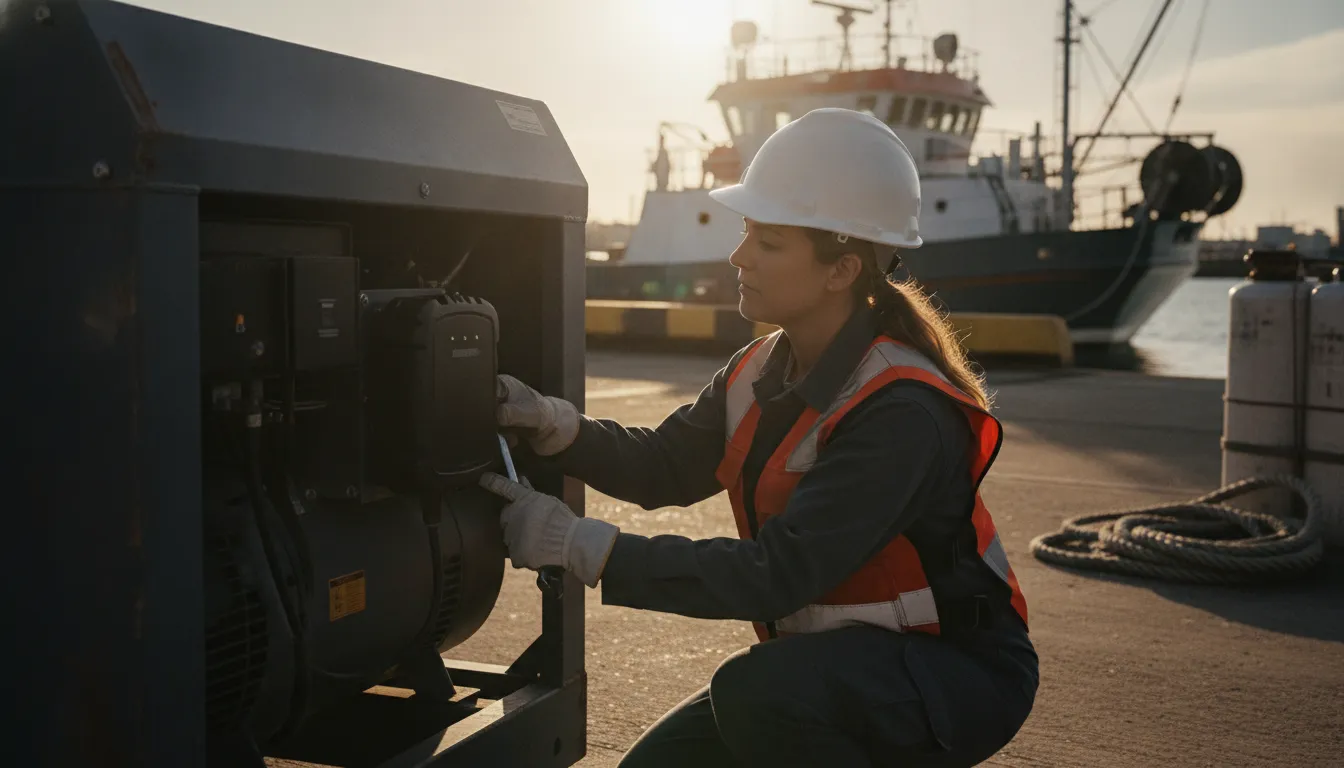
Generators and light towers are often moved between jobsites and may operate in places where grid power is unavailable. The operational problem is not simply finding them. It is knowing which unit is available, whether it is being used, and whether it has remained at the location where it was assigned.
Depending on the hardware, monitor movement, runtime or engine-hour data, battery condition, and geofence status. Runtime information can help you plan inspections and maintenance around actual use rather than relying only on calendar reminders. Movement alerts can also surface a unit leaving a site before the project team expects it to move.
Watercraft
Boats and other watercraft create a different visibility challenge. They may be stored at marinas, launched from remote locations, or shared among departments and crews. A tracker can provide location history, movement alerts, and geofence notifications when a watercraft leaves its assigned harbor or operating area.
For organizations managing multiple vessels, consistent asset identification is just as important as the location signal. Tagging each unit clearly and tying it to a digital record makes it easier to connect assignments, inspections, maintenance needs, and disposition history. Washington State’s equipment-tracking guidance illustrates this lifecycle approach by describing equipment records that continue from acquisition through disposition and beyond.
Heavy equipment and expensive tools
Excavators, loaders, compact machinery, specialized tools, and other high-value assets may spend more time parked than operating. Their value comes from being available at the right site, in usable condition, when a crew needs them. Tracking can show last known location, movement, utilization patterns, and maintenance-related signals without treating the equipment like a passenger vehicle.
Fleetistics offers heavy equipment tracking for construction, while this broader approach also applies to field service, government, utility, and mixed fleets. The platform can be configured around the asset’s actual operating conditions. With modular hardware options, free API access, and more than 300 integrations. Fleetistics can connect asset data with the systems your team already uses instead of creating another isolated record.
Start with the assets where uncertainty creates the most operational friction: frequently shared equipment, high-value tools, remote units, or anything that is difficult to replace. Then expand the program as the signals prove useful.
Speak with a Fleetistics consultant about your asset mix
What Should You Check Before Choosing an Asset Tracker?
The right tracker is the one that fits the asset, the environment, and the decisions your team needs to make. Before you compare devices, define which equipment matters most, where it operates, how often it moves, and what action should follow a location or usage alert. That keeps asset tracking for non-vehicle equipment focused on operational value instead of collecting data no one uses.
- Start with the power source. Determine whether the asset has dependable electrical power, intermittent power, or no practical power source at all. A wired device may suit powered machinery, while battery-powered hardware is more appropriate for trailers, containers, tools, or equipment that sits idle between jobs. The choice should reflect the asset’s normal operating pattern, not a theoretical best case.
- Match the enclosure and mounting method to the environment. Construction sites, outdoor storage yards, saltwater exposure, vibration, dust, and repeated handling all affect placement. Confirm that the tracker can be mounted securely without interfering with safe operation or routine service. Also document the install location so technicians can identify and inspect it later.
- Confirm cellular coverage where the asset works. A tracker can only report reliably when it can communicate with the network. Map the locations that matter, including remote yards, job sites, rural routes, and waterfront facilities. Ask how the system handles temporary gaps in coverage and how stored location data is delivered when the connection returns.
- Define the reporting and alert rules before deployment. Decide whether you need location history, movement detection, geofence entry and exit, unauthorized movement alerts, usage information, or maintenance reminders. Alerts should have a clear owner and response process. Too many notifications create noise, while too few can delay action on a missing or misused asset.
- Check how usage and maintenance data will support the asset lifecycle. Asset management should extend from assignment and deployment through maintenance and eventual retirement. The U.S. Department of Homeland Security explains that asset tracking systems can read information from labels or tags to support inventory management, personnel assignments, and maintenance needs: DHS asset-tracking guidance. Use that same principle to connect each tracker to a specific asset record, responsible team, and service schedule.
- Verify integrations and data access. Ask whether the platform can connect with your existing fleet, maintenance, dispatch, inventory, or reporting workflows. An open ecosystem with API access and broad integrations can reduce duplicate data entry. But only if the fields and events you need are available and understandable to your team.
- Evaluate service, support, and the rollout process. Confirm who helps select hardware, configure alerts, train users, and troubleshoot installations. Then run a measured evaluation with a representative group of assets. Compare expected and actual location visibility, alert usefulness, utilization, maintenance follow-through, and user adoption before expanding the program across the fleet.
A practical evaluation gives you evidence for the next decision: add more trackers, adjust the configuration, or change the equipment mix. It also makes the program easier to scale because each asset type has a documented selection rule instead of a one-off installation.
How Does Fleetistics Make Low-Cost Asset Tracking Practical?
Low-cost asset tracking works best when you match the program to the assets you need to manage. A generator that moves between jobs, a trailer that sits for weeks, and a watercraft in a different coverage area may require different tracking decisions. Fleetistics takes a modular approach. Build visibility around the assets that create the greatest operational or financial risk first, then expand as the program proves its value.
That approach avoids forcing every customer into the same hardware or service configuration. Fleetistics offers modular asset tracking solutions, including low-cost hardware options, for vehicles, equipment, and watercraft. The right cost depends on factors such as the asset type, available power, cellular coverage, number of assets, and the scope of the evaluation. A useful recommendation should account for those variables rather than present an arbitrary per-unit price.
Start with the assets that need visibility most
Implementation can begin with a focused group of non-vehicle equipment. You might start with high-value trailers, frequently moved machinery, or equipment that is difficult to locate across multiple sites. This gives your team a practical way to assess location reporting, movement alerts, geofencing, and maintenance-related information before extending tracking to additional asset classes.
Fleetistics supports that evaluation with a 30-day Solution Evaluation Process. The purpose is to validate how the solution fits your operation and whether the information it provides supports better decisions. That is more useful than choosing a tracker based only on a feature list. Your evaluation can reveal which assets need continuous visibility, which need event-based alerts, and where existing workflows or reporting need to change.
Keep the technology open as your program grows
A practical tracking program should not create a new data silo. Fleetistics provides free API access and connects with more than 300 integrations, giving you options for using asset information with the systems your team already relies on. That open ecosystem can help a small initial deployment remain useful as you add locations, equipment categories, or other fleet-management workflows.
Fleetistics has served the industry since 2001 and provides 24/7 support. That experience matters when asset tracking involves mixed equipment, changing operating conditions, and decisions that extend beyond installation. Review the asset tracking solutions for equipment, trailers, and watercraft to see how the approach can fit your fleet. When you are ready to define the right evaluation scope, contact Fleetistics for a consultative recommendation based on your assets and operating requirements.
Frequently Asked Questions
What is asset tracking for non-vehicle equipment?
It is a way to monitor equipment that does not operate like a road vehicle, including trailers, generators, containers, machinery, watercraft, and expensive tools. The right program combines location visibility with practical information about usage, theft risk, and maintenance so you can manage mixed assets alongside vehicles. See Fleetistics’ asset tracking solutions for equipment, trailers, and watercraft.
How do you track equipment that has no built-in power?
Use a rugged tracker designed for non-powered or intermittently powered assets. Hardware may be battery-powered, solar-assisted, or connected to an available external power source, depending on the asset, installation environment, reporting needs, and expected downtime. The enclosure, mounting method, cellular coverage, and service plan also matter.
Is non-vehicle asset tracking different from vehicle GPS?
Yes. Vehicle GPS commonly connects to vehicle power and is designed around driving behavior, trips, and vehicle location. Non-vehicle tracking is usually retrofit hardware focused on stationary or intermittently moved equipment, with features such as location history, geofences, theft alerts, usage monitoring, and maintenance scheduling.
What types of non-vehicle equipment can be tracked?
Common examples include trailers, generators, light towers, containers, heavy equipment, watercraft, and high-value tools. The best candidates are assets that are frequently moved, shared across crews, difficult to locate, expensive to replace, or important to keep available for scheduled work.
What determines the cost of asset tracking?
Cost depends on the asset type, power source, hardware and enclosure requirements, cellular coverage, number of assets, reporting and alert needs, integrations, and the scope of implementation. Fleetistics offers modular options and a 60-day Solution Evaluation Process to help validate fit and ROI before expanding the program.
Ready to Choose the Right Asset Tracking Approach?
The right program can help you match tracker type, coverage, and reporting to the equipment you actually manage, without overbuying hardware or data. Contact Fleetistics to discuss asset tracking for non-vehicle equipment and evaluate a practical fit for your fleet.



