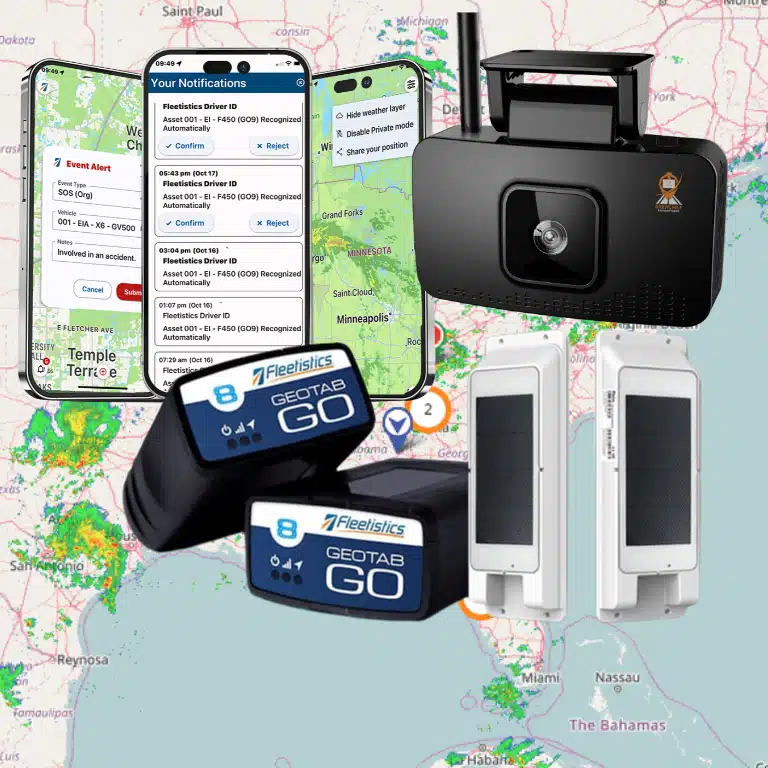

GPS can show where drivers are while dispatch still loses hours to inefficient stops. When missed visits, late ETAs, and wasted miles become routine, location visibility alone is no longer enough.
Fleet route optimization turns live location data into practical route and dispatch decisions for fleets managing many drivers, stops, time windows, and changing service calls. It uses software to compare distance, traffic, vehicle capacity, fuel use, and delivery priorities, then assigns efficient stop sequences as conditions change. Unlike basic GPS tracking, optimization helps dispatchers reduce manual planning and unnecessary mileage while improving customer ETAs and handling urgent or missed stops. The University of Georgia explains that routing software uses algorithms to weigh variables such as distance, traffic, time windows, capacity, and fuel consumption. For delivery and field service teams, that means fewer wasted miles, clearer arrival times, faster dispatch decisions, and more completed stops each day.
The key question is not whether GPS tracking helps, but whether it can keep pace with a complex service day. The next section, Fleet route optimization: where GPS tracking stops, shows how to spot that gap before late arrivals and wasted miles spread across the fleet. Here is how.
Fleet route optimization: where GPS tracking stops
Fleet route optimization turns live and planned fleet data into decisions about the best vehicle, stop order, and path for each job. It is not the same as watching dots move across a map. Tracking describes current activity, while optimization recommends the next practical move.
What GPS tracking shows
Fleet GPS tracking gives dispatchers a clear view of vehicle locations, movement, and recent travel. That visibility helps a dispatcher check progress, confirm arrivals, and spot a driver moving away from the planned route.
Yet a location point does not decide which driver should take a new service call. It also cannot rank five stops or weigh them against time windows and vehicle capacity. Someone still has to turn the map data into a sound dispatch plan.
What route optimization decides
Fleet route optimization solves that next-step problem. It assesses possible routes and recommends an efficient plan based on the limits that matter to the operation. The University of Georgia explains that routing software can account for distance, traffic, delivery windows, vehicle capacity, and fuel use.
The result is more useful than a simple shortest-path line. A short path may assign the wrong vehicle or put an urgent stop too late. A practical route balances travel with job needs, driver schedules, service promises, and available fleet resources.
From visibility to action
Consider a field service fleet when a customer requests an urgent visit. GPS can show which vans are nearby. Optimization can assess their remaining stops, expected travel, skills, and schedules before suggesting the best assignment.
The two tools work best as connected parts of dispatch. GPS supplies fresh location data, while optimization uses that data to guide the next decision. Fleetistics’ Route Optimization Solutions connect that decision process with fleet operations, so teams can adjust plans as field conditions change.
This distinction matters when judging a routing process. If dispatchers can see every vehicle but must rebuild routes by hand, they have visibility without full optimization. Fleet route optimization begins when the system helps decide what should happen next, not only what is happening now.
Why basic GPS tracking is not enough for dispatch-heavy fleets
Basic GPS tracking answers an important question: where is each vehicle now? For a dispatch-heavy fleet, that answer gives visibility but little decision support. Dispatchers still must decide which driver should take each stop, in what order, and by which route.
Visibility without decision support
A map can show that a technician is near an urgent service call. It may not show whether that driver has the right skills, tools, capacity, or time. The dispatcher must check those details, compare other drivers, and then make the assignment by phone or message.
Basic tracking also leaves stop sequencing to the dispatcher or driver. This creates extra work when routes include time windows, vehicle limits, or many stops. In contrast, routing optimization software can weigh distance, traffic, time windows, vehicle capacity, and fuel use when planning routes.
The hidden cost of manual changes
A static route may work at the start of a shift. Its value falls as new jobs arrive, customers cancel, traffic builds, or service visits run long. Each change can force dispatchers to review the full schedule and call several drivers.
- Drivers choose their next stop based on personal judgment instead of fleet-wide priorities.
- Dispatchers compare map pins by hand and rebuild sequences throughout the day.
- Customers wait for updates while staff call drivers to confirm progress and arrival times.
- Late changes create missed stops, route overlap, and avoidable backtracking.
Modern routing tools can update routes as traffic, weather, or last-minute requests change. This real-time route adjustment helps dispatchers respond without rebuilding every route from scratch.
When basic tracking reaches its limit
Basic GPS may be enough when routes are simple, stops rarely change, and drivers serve fixed areas. It becomes less useful when one dispatcher manages many vehicles, frequent requests, tight appointment windows, or mixed driver skills.
The warning signs are practical. Dispatchers spend much of the day sequencing stops, drivers call for direction, and customers receive uncertain arrival times. Managers can see vehicles moving, but they cannot quickly tell whether the fleet is following the best plan.
Fleet route optimization adds the missing planning layer. It turns location data into suggested assignments, stop orders, and updated routes based on current needs. Fleet managers exploring route optimization and dispatch efficiency should first measure how much staff time goes to manual routing and schedule changes.
What signals show your routes need optimization?
Routes rarely fail all at once. A single late stop may come from traffic, weather, or a long service call. A pattern of late stops, wasted miles, and daily schedule changes points to a deeper routing issue.
Service delays and wasted drive time
Missed stops and unstable arrival windows often point to poor sequencing or unrealistic schedules. Compare planned arrival times with actual arrivals for each route and day. If drivers often finish late or skip stops, the planned route may not match field conditions.
Also track windshield time, miles per stop, idle time, and fuel use. Rising drive time without more completed work is a clear warning sign. Fuel is often a major fleet cost, so excess mileage and idle time matter. Research on routing software links less wasted mileage and idle time with lower fuel use and vehicle wear.
Constant dispatcher intervention
Frequent manual changes show that the daily plan cannot absorb normal disruptions. Last-minute requests, cancellations, traffic, and urgent jobs should not force dispatchers to rebuild every route. When one new stop causes several calls and driver swaps, the route plan lacks flexibility.
Count how often dispatchers move stops, call drivers, or change promised arrival windows. Track which events cause the most changes. Modern systems can update routes in real time when traffic, weather, or last-minute requests affect the plan.
Uneven territories and customer complaints
Routes can look balanced on a map but place far more work on one driver. One territory may have tight stop clusters, while another requires long trips between jobs. Compare workload by drive time, service time, completed stops, and vehicle capacity.
- One driver often needs help finishing assigned stops.
- Some vehicles return early while others run late.
- Customers call often because an ETA changed or passed.
- Urgent same-day work repeatedly disrupts the same territory.
Review these signals together, not one at a time. A weekly scorecard can show whether the same routes cause missed stops, high fuel spend, and ETA complaints. That pattern can guide a focused test of route optimization and dispatch efficiency before changing the whole fleet.
How route optimization improves fuel, ETAs, and missed stops
Less mileage and idle time
Fleet route optimization reduces waste by matching stops, time windows, vehicle capacity, and road conditions to a workable route. When plans remove backtracking and long gaps between jobs, drivers spend less time covering miles that do not serve customers. Better sequencing can also reduce idle time caused by arriving too early or waiting for the next assignment.
Fuel use and vehicle wear may fall as a result, but outcomes vary with driver habits, traffic, fleet rules, and daily demand. An educational resource from the University of Georgia explains how routing software can minimize unnecessary mileage and idle time. Managers should measure both before and after a route change instead of assuming a fixed savings rate.
A useful baseline pairs fuel used with work completed. Compare fuel per completed stop, idle time per route, total miles, and route duration. This view helps managers spot whether a shorter route produced useful work or only shifted delays elsewhere.
ETAs based on field conditions
A useful ETA reflects the route a driver can complete, not the shortest line on a map. Optimization accounts for stop order, service time, traffic, and time windows. It then gives dispatchers a plan they can monitor as the day unfolds.
When conditions change, dispatch can adjust the remaining work and share a more current arrival time. Clear ETAs help customers plan while reducing calls asking where a driver is. They also give service teams time to explain delays before a missed promise becomes a complaint.
Fleetistics combines live vehicle data with route optimization and dispatch efficiency. Teams can compare the plan with what is happening in the field. To review fit, data needs, and rollout options, contact Fleetistics for a consultative demo.
Fewer missed stops and better vehicle use
Missed stops often begin with a plan that overlooks time windows, travel time, vehicle limits, or driver workload. A stronger route places each stop into a realistic sequence and flags conflicts before vehicles leave. Dispatchers can then move work, assign another vehicle, or alert the customer before a failure occurs.
Over time, route data shows which vehicles and drivers have room for more work. It also reveals overloaded routes that create late arrivals, rushed service, or skipped stops. Managers can use those patterns to balance workloads and improve vehicle use without simply adding more stops to every route.
Review completed stops, on-time arrivals, miles, idle time, and route duration together. That wider view shows whether a route change improved service or merely shifted the problem. Results vary by fleet practices, so test changes against a clear baseline and refine the plan as actual route data comes in.
Field service use cases where dynamic routing pays off
Field service routes rarely stay fixed for a full day. A new appointment, canceled visit, or delayed job can make the morning plan wasteful. Dynamic fleet route optimization rebuilds the plan around current demand while keeping promised service windows in view.
Recurring routes with changing stops
Pest control and landscaping fleets often serve tight territories with many repeat visits. Yet weather, customer access, and cancellations can change which stops are practical. Dynamic routing helps dispatchers fill open time with a nearby job instead of leaving a gap in the schedule.
HVAC demand can shift even faster when urgent repair calls arrive. The nearest technician may not be the right choice if the job needs a certain license, tool, or part. Effective routing weighs technician skills and service windows along with drive time.
Service and maintenance priorities
Maintenance fleets balance planned inspections with breakdowns that cannot wait. A useful plan ranks work by urgency, then checks territories, parts, technician skills, and customer time windows. This approach supports route optimization for field service without treating every stop as equal.
- Pest control: Reassign canceled appointments and keep technicians within assigned service areas.
- HVAC: Match urgent calls with technicians who have the right skills and parts.
- Landscaping: Adjust outdoor work when weather or site access changes.
- Service and maintenance: Insert breakdown calls while protecting high-priority planned work.
Dispatchers also need current road and job data. Modern routing tools can update routes in real time for traffic, weather, and last-minute requests. That lets the plan respond to field conditions instead of relying on a static map.
Public sector and emergency response
Public works fleets may handle inspections, repairs, waste services, and urgent calls across large areas. Territories help maintain coverage, but rigid territory rules can slow response when a nearby crew is free. Dynamic routing shows dispatchers when a cross-territory assignment makes sense.
Emergency response raises the stakes because the next call is unknown. Routing must account for unit location, crew capability, availability, and coverage left behind. Fleet GPS tracking gives dispatchers the location context needed to make those choices quickly.
The common gain is not simply a shorter route. It is a route plan that can absorb change while protecting response times, required skills, and customer commitments.
Static routing vs dynamic routing for growing fleets
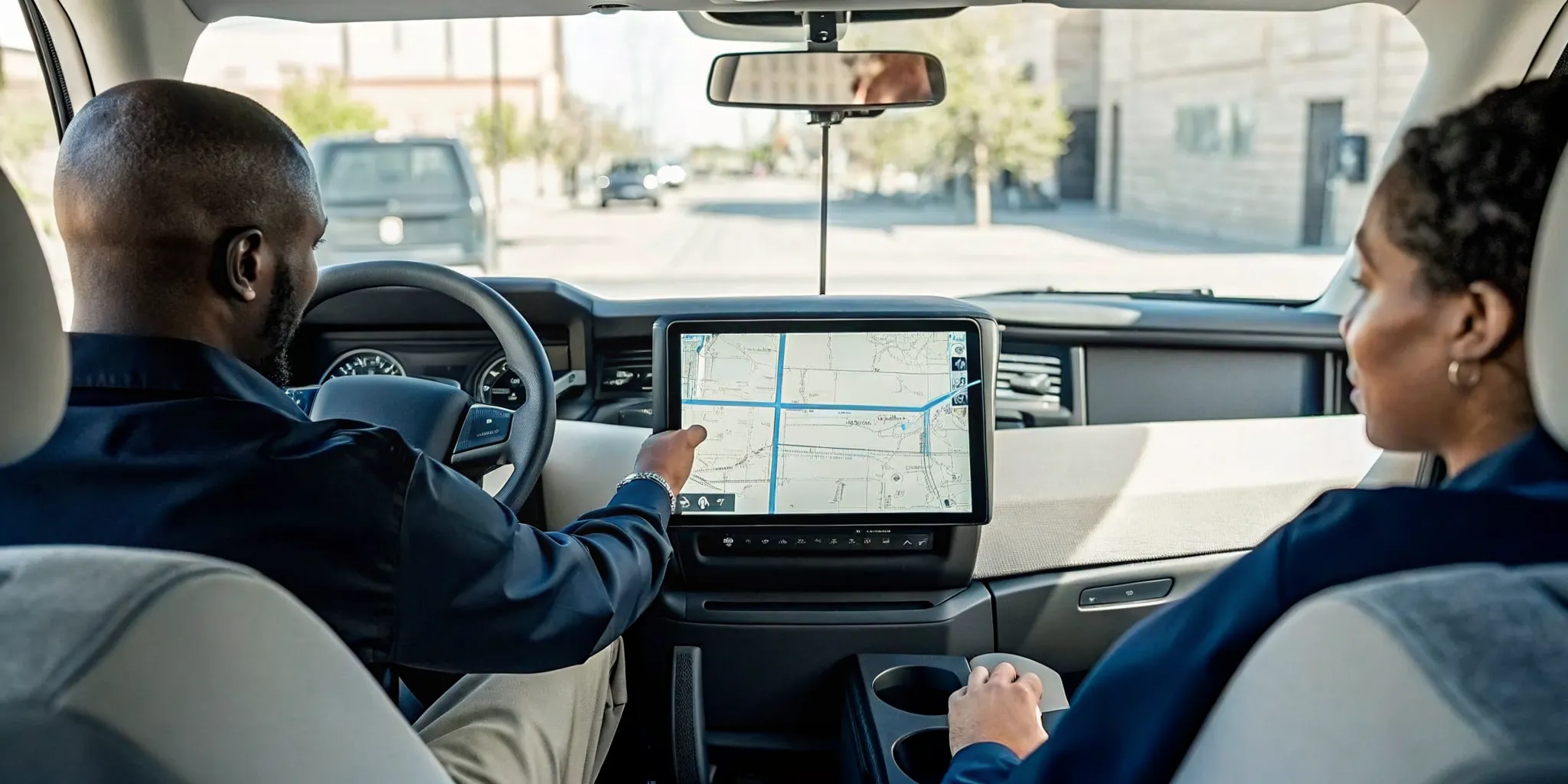
The right routing level depends on how often your plan changes and which limits dispatchers must balance. Basic GPS tracking shows vehicle locations, while static routing sets repeatable plans. Dynamic fleet route optimization recalculates plans as work and road conditions change.
Three levels of routing control
Static routing fits stable service areas, fixed stops, and repeat schedules. It uses known addresses, planned stop order, driver assignments, and expected service times. Dispatchers can build and reuse a route without solving a new plan each day.
Dynamic routing fits fleets with shifting orders, urgent jobs, time windows, or traffic delays. It uses live and planned data to adjust stop order and driver assignments. An overview from the University of Georgia explains that routing software can weigh distance, traffic, time windows, vehicle capacity, and fuel use.
| Solution level | Best fit | Operational data used | Main decision supported |
|---|---|---|---|
| Basic GPS tracking | Small fleets that need visibility | Current location, trip history, speed, and status | Where is each vehicle? |
| Static routing | Repeat routes with stable stops | Addresses, schedules, service times, and driver assignments | What repeat plan should drivers follow? |
| Dynamic route optimization | Growing fleets with frequent daily changes | Orders, time windows, capacity, live location, and traffic | What is the best plan now? |
Signs that the fleet has outgrown its current level
GPS tracking may be enough when a dispatcher can handle changes without delaying service. Consider static routes when most stops recur and route consistency matters more than daily changes. Static plans also make it easier to compare planned work with actual trips.
Dynamic optimization becomes useful when manual changes consume too much dispatch time or create missed windows. It can also help when growth adds more vehicles, service limits, and urgent requests. Fleetistics explains how connected systems support route optimization and dispatch efficiency when fleets need more control.
A practical upgrade path
Start by listing the decisions dispatchers make each day and the data behind them. If the main question is vehicle location, improve GPS visibility first. If the team repeatedly rebuilds routes, test dynamic planning with a defined group of vehicles.
Measure the test against current results, including planning time, missed stops, miles driven, and on-time arrival rates. This approach helps managers choose the right tool without buying more complexity than operations need.
How to evaluate fleet route optimization software
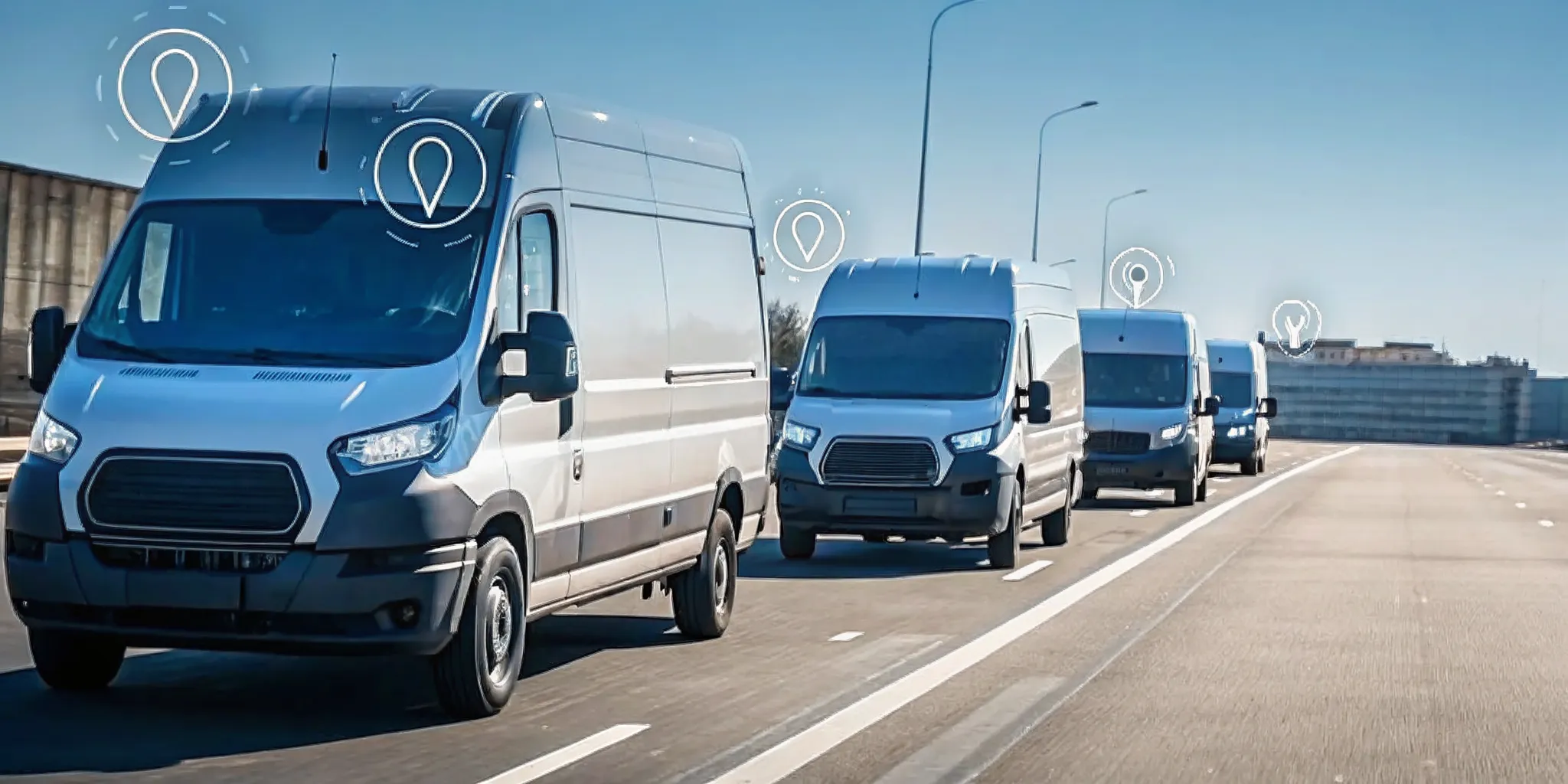
A useful review starts with your daily operating needs, not a long feature list. Define the problems dispatchers and drivers must solve before comparing fleet route optimization tools.
Prepare a fair evaluation
Good route plans depend on good inputs. Collect recent stops, service windows, driver schedules, vehicle limits, depot locations, and route history. Then note missing or inconsistent data that could weaken test results.
- Set the scope and baseline. Choose a clear use case, such as daily service calls or recurring deliveries. Record current miles, drive time, on-time arrivals, missed stops, planning time, and fuel use.
- Check data and integration needs. Confirm the tool can use your addresses, stop rules, vehicle limits, and schedules. Test its connection with route optimization and dispatch efficiency workflows, GPS data, telematics, and other core systems.
- Test the dispatch workflow. Ask dispatchers to build, change, assign, and monitor routes. The system should handle traffic, weather, or urgent requests without making routine changes hard to manage.
- Review driver communication. Drivers need clear stop details, route changes, and navigation on the devices they use. Check how they confirm arrivals, report issues, and send updates back to dispatch.
- Run a controlled pilot. Test a set of routes against the baseline under normal working conditions. Routing software can weigh distance, traffic, time windows, capacity, and fuel use, as this University of Georgia overview explains.
- Compare results and service. Review KPI changes, user feedback, setup effort, training, support access, and total cost. Confirm how the vendor will fix integration gaps and help teams adopt the tool.
Pilot questions that reveal workflow fit
Do not judge a pilot only by its planned route. Watch how the tool handles a late driver, a new stop, a canceled visit, and an inaccurate address. These events show whether dispatch can act quickly without losing control.
Ask drivers whether instructions arrived on time and made sense. Ask dispatchers which tasks became easier and which created extra work. Their answers often reveal issues that a dashboard will not show.
Support and the 60-day evaluation
Before choosing a platform, define who owns setup, training, data cleanup, and ongoing support. Fleetistics uses a 60-day Solution Evaluation Process so a fleet can test fit before making a longer commitment.
Use that period to validate integrations, compare KPIs, and document user feedback. A focused test of advanced fleet route optimization should show how the system performs within your actual operation.
Frequently Asked Questions
How does fleet route optimization improve efficiency?
Fleet route optimization improves efficiency by assigning stops to suitable vehicles and sequencing them around traffic, capacity, time windows, and driver availability. Dispatchers spend less time rebuilding routes, while drivers avoid unnecessary mileage and idle time. The University of Georgia notes that routing software can update routes for traffic, weather, and last-minute requests, helping fleets respond without restarting the plan.
What is an example of fleet route optimization?
A field service fleet may begin the day with scheduled visits across several territories. Route optimization assigns each visit to the right technician and creates an efficient stop sequence. When an urgent request arrives, the system can identify a nearby qualified technician and adjust that route. Dispatchers can then share an updated arrival time without manually rebuilding every driver’s schedule.
Can you use Google Maps for fleet route optimization?
Google Maps can guide one driver between locations, but it is not designed to coordinate complex fleet operations by itself. Fleets with many vehicles, service windows, driver skills, vehicle capacities, or changing stops usually need dedicated route optimization software. That software can assign work across the fleet, replan routes as conditions change, and connect route data with dispatch and customer systems.
Is there free fleet route optimization software?
Some route optimization tools offer free plans or limited trials, but they often restrict vehicles, stops, users, or advanced features. A free option may suit a small fleet testing basic multi-stop planning. Larger or changing operations should compare total costs against dispatch time, fuel use, missed stops, customer notifications, integrations, and support. Results and savings vary with each fleet’s routes and management practices.
Ready to Make Every Fleet Route Work Harder?
Waiting to improve routing keeps dispatchers reacting to avoidable delays, while drivers spend more time and fuel reaching each stop. Missed stops and uncertain arrival times can frustrate customers, drain service capacity, and make daily schedules harder to protect. Starting now gives your fleet time to test workflows, build better routing habits, and improve decisions before demand grows.
Ready to make every route work harder? Book a demo to talk with a Fleetistics consultant about where route optimization can support dispatch, service, and driver teams. Bring your current routing challenges, recurring delays, and key service goals so the discussion stays focused on practical next steps. You can then decide which changes to prioritize and establish a clear path for evaluating results across your operation.