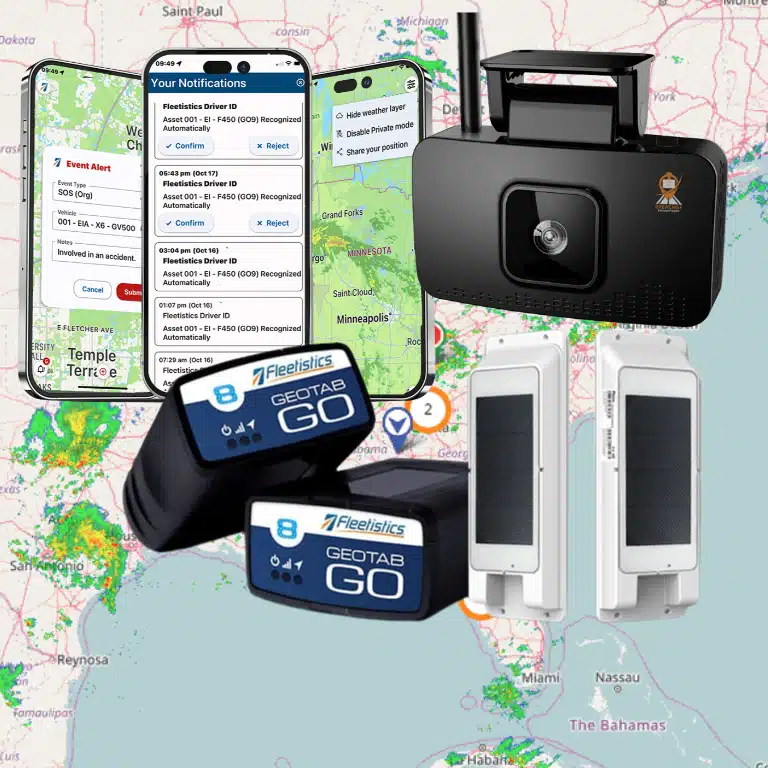



A busy food truck can lose a profitable service window because of one late arrival, an avoidable detour, or an unclear customer update. Food truck GPS tracking gives operators a dependable view of vehicle locations, routes, stops, and movement so they can respond with facts instead of repeated calls and guesses. Used well, it supports safer driving, more consistent arrivals, stronger asset security, and a better customer experience.
Book a food truck fleet consultation with Fleetistics.
GPS data is most valuable when it supports a clear operating process. It should help a dispatcher decide which truck can serve a new request, help an event host prepare for arrival, and help an owner review how the day actually unfolded. This guide explains practical use cases, selection criteria, and a rollout plan without assuming that technology alone will solve every operating challenge.
What is food truck GPS tracking?
Food truck GPS tracking combines an installed or connected vehicle device with mapping software that displays location and trip data. Operators can use it to see current positions, review route history, monitor defined areas, and coordinate mobile teams. The exact information and update frequency depend on the selected system and configuration.
A tracking platform turns movement into operational information. Instead of asking a driver for an estimated location while that person should be focused on the road, an authorized manager can check a map. Instead of reconstructing yesterday’s route from memory, the manager can review recorded trips and stops. This creates a common source of information for routing, service, safety, and scheduling decisions.
The useful part is not simply the moving marker. It is the context around that marker: when a truck left the prep kitchen, how long it remained at an event, whether it followed the expected route, and when it returned. Fleetistics tracking maps for fleet visibility are designed to help teams view and work with vehicle location information.
Core information operators can use
Needs differ between a single-truck operator and a regional business with several mobile kitchens. Still, most operators should evaluate whether a platform can make the following information clear and usable:
- Current vehicle location and movement status
- Route and trip history for completed service days
- Arrival, departure, and time spent at key stops
- Alerts for entry into or exit from defined areas
- Unexpected movement during selected time windows
- Driving events available through the chosen setup
- Controlled location sharing for customers or event hosts
- Reports that help managers identify repeat patterns
These capabilities should match an actual business question. If late event arrivals are the problem, focus first on routing, dispatch, and arrival visibility. If after-hours vehicle movement is the main concern, prioritize alert configuration and a clear response plan. A focused implementation is easier for staff to understand and easier for managers to measure.
How does GPS tracking improve food truck safety?
GPS tracking improves food truck safety by making vehicle movement, routes, and selected driving events visible to authorized managers. That information can support driver coaching, after-hours movement alerts, and faster location confirmation during an incident. It does not replace training, maintenance, safe-driving policies, or emergency procedures.
A food truck is a commercial vehicle and a working kitchen. Safe operation therefore requires attention before, during, and after every trip. Tracking data can help a manager see patterns that would be difficult to find through occasional observation. Repeated harsh events on the same route, for example, may point to driver behavior, an unrealistic schedule, or a difficult road segment that deserves review.
Coach with context, not assumptions
When the configured system records driving events, managers can use those records to guide specific conversations. A productive review asks what happened, considers traffic and route conditions, and agrees on a safer approach. The goal is consistent improvement, not monitoring without purpose. Operators should explain what is collected, who can see it, and how the business will use it.
Create an after-hours movement response
Location alerts can also support asset security. An operator can define a parking or commissary area and configure notifications for movement during selected hours, if supported by the system. The alert is only the first step. The business also needs a documented response that identifies who verifies the movement, who contacts the driver, and when to contact authorities. Staff should never attempt a risky recovery themselves.
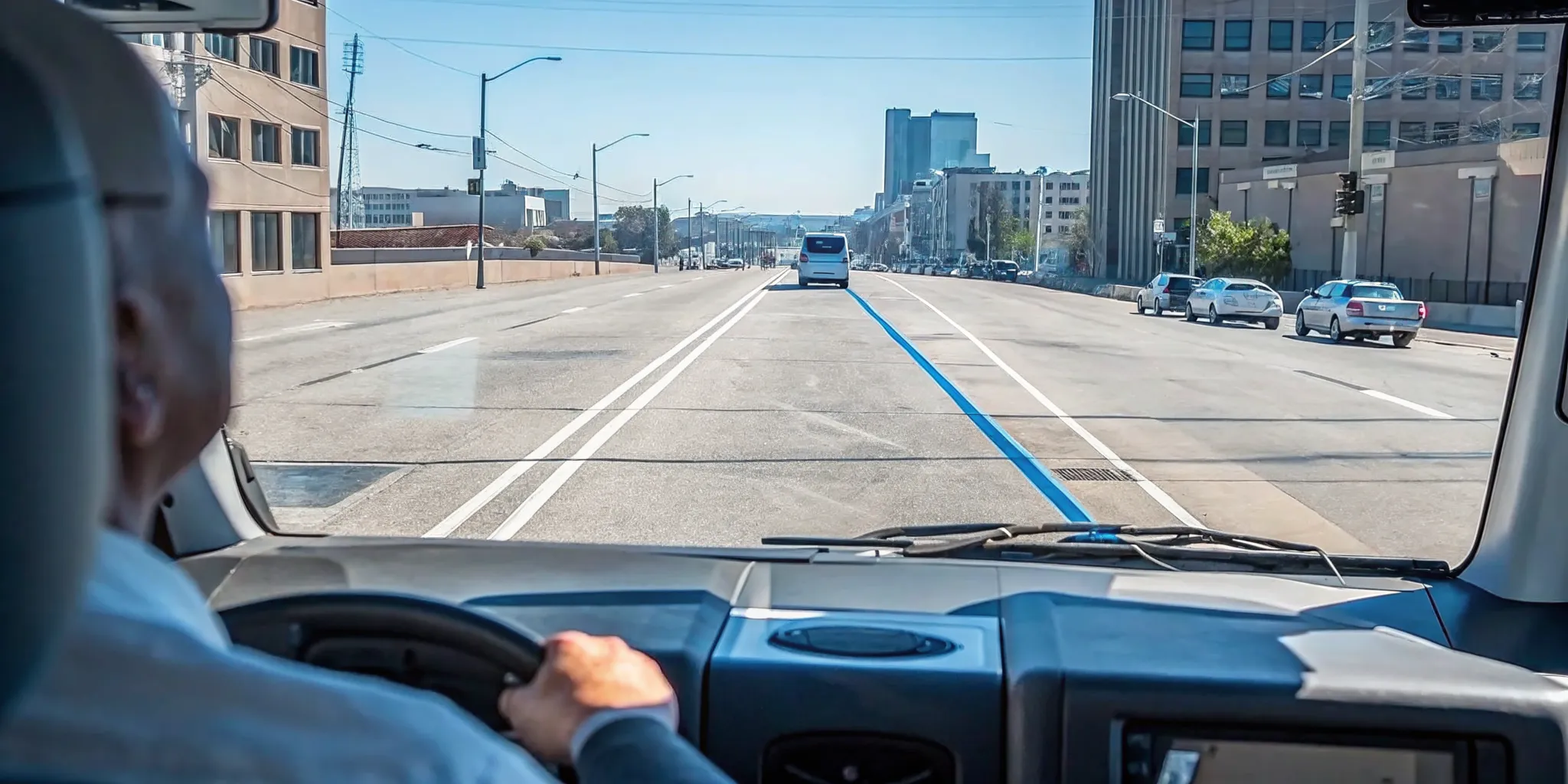
During an incident, a verified current location can help an authorized manager explain where a vehicle is. Operators should still follow their emergency procedures and recognize that device connectivity, hardware condition, or coverage may affect the data available at a particular moment.
How can GPS improve food truck routing and dispatch?
GPS improves routing by giving operators current vehicle locations, completed trip histories, and stop information for planning and review. Dispatchers can choose a practical truck for a request, adjust when conditions change, and compare planned service with actual results. Better decisions come from combining system data with driver knowledge.
Food truck routing is rarely a simple drive from point A to point B. A service day can include a commissary, a lunch site, a private event, a supply stop, and a return location. Each stop may have a fixed setup time, access restriction, or commitment to an event organizer. A good route must be practical for the truck and realistic for the team.
Fleetistics offers route optimization capabilities that can support route planning. Operators should enter accurate stops and constraints, then have drivers confirm that the result is appropriate for the vehicle and local conditions. Routing software should inform a safe plan, not encourage a driver to follow an unsuitable instruction.
A practical daily routing workflow
- Confirm service stops, committed arrival windows, and required setup time.
- Add prep, supply, fuel, cleaning, and return stops that affect the schedule.
- Plan the stop sequence and review it for vehicle-specific restrictions.
- Brief drivers before departure and confirm the escalation process for delays.
- Monitor progress without distracting drivers or making unsafe requests.
- Share updated arrival information with event hosts when plans change.
- Review route history, stop duration, and exceptions after service.
Historical information makes the next plan more grounded. If one venue consistently takes longer to access, the schedule can allow for it. If a supply stop creates a recurring detour, the operator can test a different sequence. The aim is not to chase a theoretical shortest route. It is to build a reliable route that protects service commitments and gives drivers enough time to operate safely.
See how Fleetistics supports GPS tracking for food truck operations.
Can location sharing improve the customer experience?
Controlled location sharing can help customers and event hosts confirm where a food truck is and estimate when it will arrive. A shareable map link reduces repetitive status calls and supports clearer communication when schedules change. Operators should publish location only during appropriate hours and protect driver privacy.
Location visibility is useful because a food truck’s service location is part of the customer experience. A customer who cannot find the truck may leave. An event organizer waiting for a vendor needs an accurate update, not a vague promise. With a controlled sharing process, the operator can give approved audiences a direct way to view the truck’s position.
MyFleetView location sharing allows a location to be shared through a web link. An operator could provide that link to an event host before arrival or publish it through an approved customer channel during service. The sharing policy should define when a link is active, who receives it, and when access should end.
Set clear sharing rules
Operators should avoid treating all location data as public by default. A sensible process separates customer-facing visibility from internal management data. It also accounts for driver breaks, off-duty time, overnight parking, and sensitive preparation locations. Tell drivers how sharing works, test the customer view before promotion, and assign one person to pause or update sharing when the schedule changes.
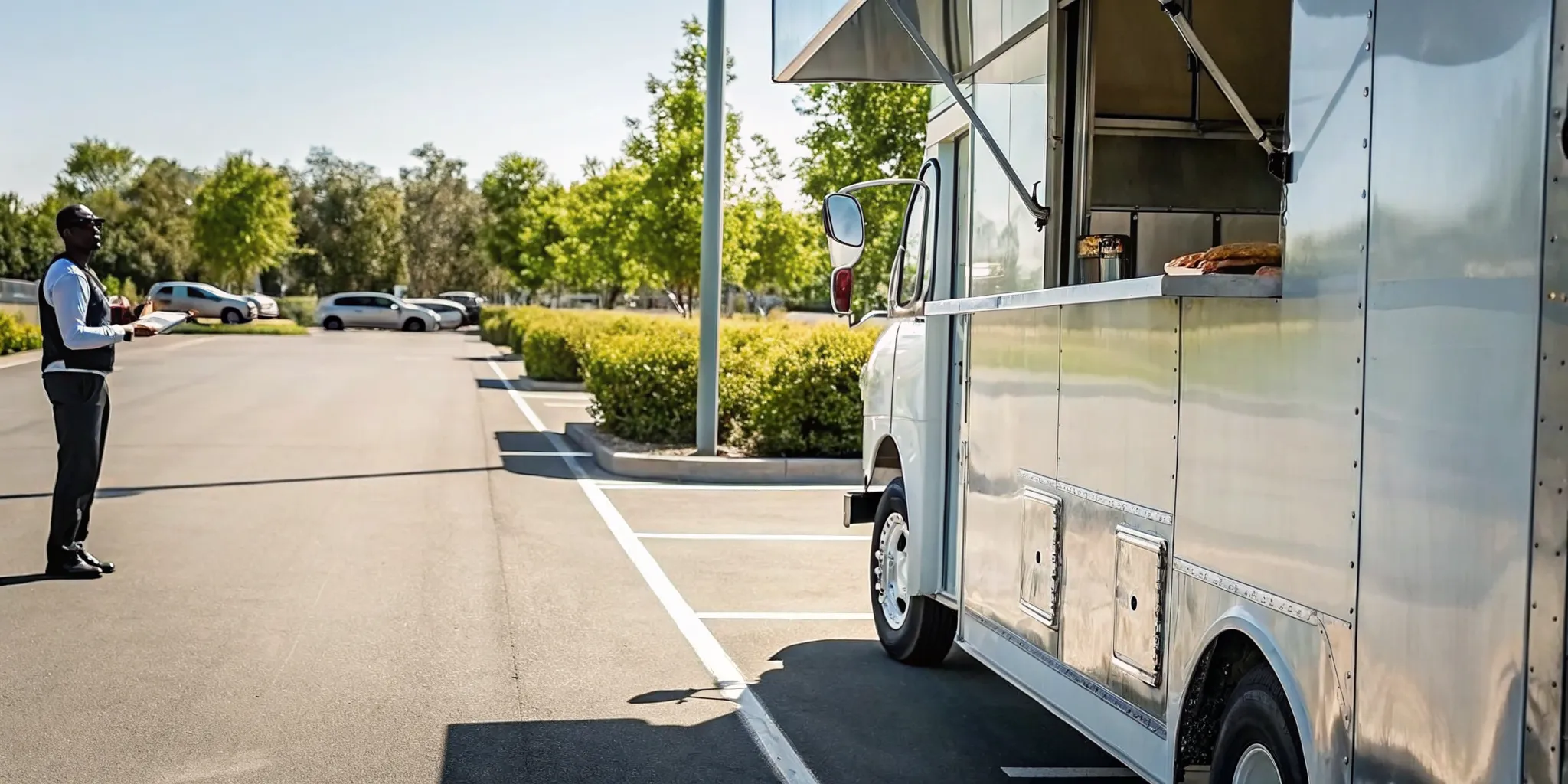
Location sharing works best alongside concise status messages. If service is delayed, explain the change and provide the updated expectation. If the truck is parked but still setting up, say so. The map provides visibility, while the message provides meaning.
Manual coordination vs. a connected GPS platform
Manual coordination depends on calls, texts, memory, and separate records, while a connected GPS platform centralizes location and trip information. The platform can reduce routine status checks and make reviews more consistent. It still requires accurate setup, staff training, responsible data use, and a defined operating process.
Phone calls and group messages may work for a limited schedule, but they become harder to manage as stops and vehicles increase. Drivers may be unable to respond safely. Messages can become outdated, and managers may lack a dependable record when reviewing a late arrival. A connected platform gives authorized users a shared operational view while leaving urgent conversations for situations that actually need them.
| Operating need | Manual coordination | Connected GPS platform |
|---|---|---|
| Current location | Call or text the driver | Check an authorized live map |
| Arrival updates | Relay estimates one person at a time | Use current information and controlled sharing |
| Route review | Rely on memory and scattered notes | Review recorded trips and stops |
| After-hours movement | Discover it through observation | Configure area and time-based alerts where supported |
| Scaling operations | Add more calls, messages, and spreadsheets | Add vehicles to a shared operating process |
Technology supports process, not the other way around
A platform does not fix unclear responsibilities. Someone still needs to maintain user access, review alerts, update route inputs, and act on exceptions. Before rollout, define the decision each feature should support. This keeps the implementation focused and prevents staff from receiving notifications they do not understand or cannot act on.
Fleetistics has served fleets since 2001 and offers modular solutions. That modular approach matters for operators who want to begin with essential visibility and evaluate other capabilities as requirements become clear, rather than forcing every available tool into the first phase.
What should operators look for in a GPS tracking system?
Operators should choose a GPS system by matching capabilities to defined business problems. Review map clarity, update behavior, route tools, alerts, location sharing, reporting, privacy controls, support, installation, and future flexibility. A structured evaluation should show whether the system works for actual food truck routes and staff workflows.
Start with outcomes, not a feature list. Write down two or three operational problems, the current baseline, and the result that would indicate improvement. For example, an operator may want fewer dispatcher calls for routine location checks, more consistent event arrival communication, or a clearer way to review after-hours movement. This makes product discussions specific and gives the team a fair way to assess a solution.
Questions to ask during evaluation
- How often does location information update under normal conditions?
- What happens when a device temporarily loses connectivity?
- Can managers create useful areas, schedules, and movement alerts?
- Can location links be controlled for customers and event hosts?
- Which route and stop reports are easy for managers to review?
- How are users, roles, data access, and privacy handled?
- What installation, training, and ongoing support are available?
- Can the system adapt if vehicles and operating needs change?
Use real scenarios during the evaluation. Test a normal service day, a last-minute stop change, a delayed arrival, and an after-hours movement notification. Include the people who dispatch, drive, and communicate with customers. Their feedback can expose friction that is not obvious in a demonstration.
Fleetistics uses a 60-day Solution Evaluation Process to help determine fit. Operators can speak with a consultant at 855.300.0527 about goals, requirements, and a modular path. The evaluation should end with a clear decision based on observed usefulness, not an unverified assumption about savings or results.
How should a food truck business roll out GPS tracking?
A successful rollout starts with a limited scope, documented rules, and measurable goals. Configure the system around real routes, train managers and drivers, test alerts and sharing, then review results before expanding. Food truck GPS tracking produces better decisions when staff understand both its purpose and its limits.
Choose a pilot that represents normal operations without creating unnecessary complexity. One truck, one dispatcher, and a small set of useful capabilities can reveal what needs adjustment. Establish the baseline before the pilot, such as the number of routine location calls per week or the frequency of late arrival updates. Then compare the same measure after staff have had time to use the process consistently.
A focused rollout checklist
- Document the business problem, baseline, owner, and desired outcome.
- Select pilot vehicles and confirm installation requirements.
- Define user roles, access rules, privacy expectations, and data use.
- Configure maps, areas, routes, alerts, and sharing for real scenarios.
- Train managers and drivers on normal use and exception handling.
- Test location accuracy, notifications, customer views, and escalation steps.
- Review pilot results with staff and correct confusing workflows.
- Expand only the capabilities that produce a useful, repeatable outcome.
Review the system regularly after launch. Remove alerts that create noise, update access when roles change, and confirm that location-sharing rules still match operations. Ask drivers whether routes and schedules remain practical. Good governance keeps the platform useful and helps preserve trust as the business grows.
Frequently asked questions about food truck GPS tracking
Can GPS tracking show customers where a food truck is?
Yes. A location-sharing tool can provide a controlled web link that shows a food truck’s current position. Operators can share the link with customers, event hosts, or staff and manage when location visibility is available.
Does food truck GPS tracking work when a vehicle is parked?
Depending on the configured hardware and alerts, a GPS system can monitor a parked truck and notify an operator about unexpected movement or a departure from a defined area. Confirm device and alert behavior during setup.
How does GPS tracking help with food truck routing?
GPS tracking provides current locations, route histories, stop times, and travel patterns. Operators can use that information to plan practical stop sequences, dispatch the closest truck, adjust for delays, and review completed routes.
What should an operator review before choosing a GPS system?
Review location update frequency, maps, route tools, geofence alerts, location sharing, driver access, reporting, hardware installation, support, privacy controls, and the system’s ability to add capabilities as the business grows.
Food truck GPS tracking is most effective when every data point connects to a safe, clear operating decision. Start with the problems that matter, involve the people doing the work, and evaluate results against a documented baseline. For help choosing a practical setup, call Fleetistics at 855.300.0527.