


Convenient Fleet Management Portal
GPS tracking, help desk, invoicing, training, re-ordering, news and custom integration in one portal.
Custom Data
Time is Money
Why is a fleet management portal important?
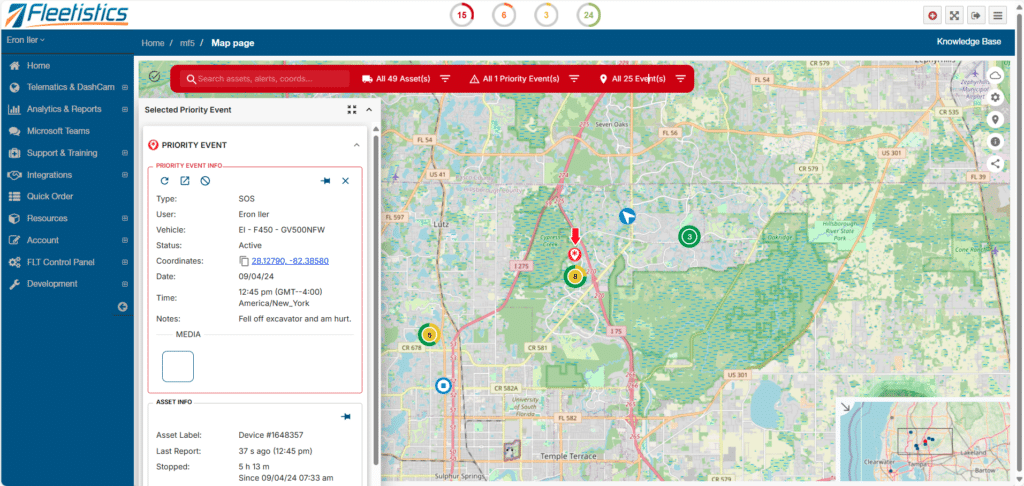
Speed and efficiency drive enterprise fleet management. With large fleets, every step you take to resolve an issue or find the information you want can put you further behind during the business day. Our fleet management portal connects to an ecosystem that layers on top of, and integrates with, multiple GPS systems and management tools. That flexibility lets Fleetistics do things many providers cannot. One example is access to three GPS tracking platforms inside the Fleetistics portal. This setup lets customers place some vehicles on a more capable system while handling cargo container inventory on another system for significantly less.
A portal also helps teams save time because it reduces tool switching. Instead of bouncing between platforms, you can view GPS data, training, support, and account tools in one place and keep work moving without digging for answers.
Training ensures largest possible ROI
The fleet management portal (FMP) centralizes access to training resources, which helps teams build consistency during the business day. Training resources range from videos to our industry leading Learning Management System (LMS). The LMS gives managers and owners a way to standardize the basic level of understanding of the GPS system and data. Many organizations never achieve this baseline understanding, which can limit ROI. Learn more about training here.
Our goal is to give you what you need, when you need it, without having to spend time with the help desk. This approach helps your team save time and keeps fleet management decisions moving forward.
Integrated Support
When a case is created, you can monitor progress in real time without calling, logging into another portal, or doing anything special. You simply click the icon, which helps your team save time and keep fleet management work on track.
Online Ordering
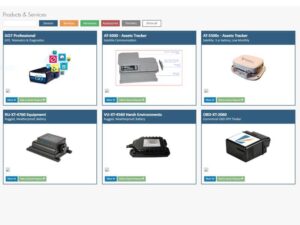
Our online catalog makes reordering a simple process and keeps your options organized in one place. During a busy business day, that matters because you should not have to hunt through emails, old invoices, or multiple portals just to add hardware or services.
The catalog also lets you see what other products and services are available to meet your operational needs. If you need to add a GPS unit, you add it to your shopping cart and the request routes to your account manager for review. That extra step protects order accuracy when devices, mounts, and service plans vary by vehicle type or use case. It also reduces delays caused by back-and-forth clarifications.
This workflow supports fleet management at scale because it keeps ordering aligned with how your program runs today. You keep the consultant in the process, reduce rework, and save time when you need to expand quickly.
Custom Analytics
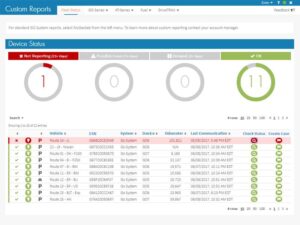
Most GPS systems provide some level of dashboards and report filtering, but those tools hit a ceiling once you need deeper visibility. Fleetistics offers custom dashboarding outside the GPS system, which removes the restrictions that come with building for the average customer.
With custom analytics, you can bring in data from multiple sources and build views designed around your operation. That can include GPS tracking data and fuel data, sales data, accident data, or customer cancellations. You can also pull from major providers such as Azure, Amazon Web Services, or Oracle, so your reporting reflects what actually drives decisions in your organization.
This approach strengthens fleet management because you stop forcing your team to work around a generic reporting layer. You reduce manual exports, keep reporting consistent across teams, and save time by getting answers faster during the business day.