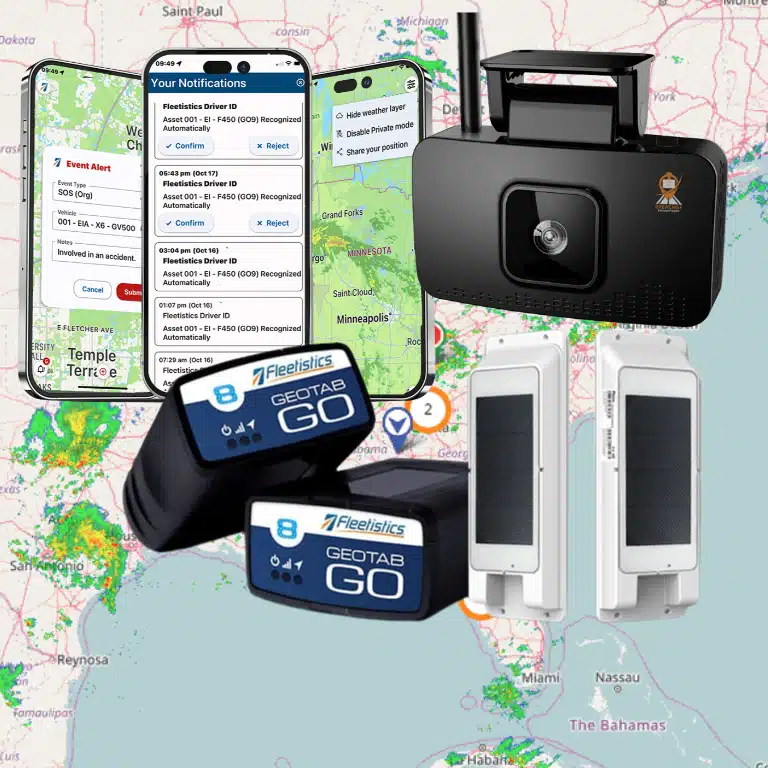

When an urgent service call arrives, the dispatcher has to answer several questions at once: Which qualified technician is closest, who is available, and what will the added stop do to every later appointment? Commercial vehicle GPS tracking replaces that guesswork with current location, trip, and vehicle-status data that helps field service fleets make faster operational decisions.
Book a Fleetistics consultation to evaluate how GPS tracking can support your dispatch workflow and customer commitments.
For HVAC, plumbing, electrical, landscaping, utility, and other mobile service businesses, the value is not simply seeing vehicles on a map. It is connecting vehicle activity to dispatch, route execution, arrival windows, job-site time, driver coaching, and customer communication. This guide explains how to evaluate that operational value and choose a platform that fits the way your field team works.
What commercial vehicle GPS tracking changes for field service fleets
Commercial vehicle GPS tracking gives field service managers a shared, near-real-time view of vehicle location, movement, stops, and route history so they can coordinate mobile work with less manual follow-up.
A basic location dot answers where a vehicle is. A fleet management platform adds the context needed to act on that location. Dispatchers can review vehicle status, compare nearby resources, see how long a truck has remained at a job site, and identify schedule risks before the customer calls. Managers can also use historical trip and stop data to evaluate route design and workload distribution.
The result is a more coordinated operation. Dispatch decisions rely on current conditions instead of assumptions. Customer service teams have a dependable source for arrival updates. Supervisors can discuss documented trends with technicians rather than relying on isolated complaints. Fleetistics supports this broader approach through fleet tracking maps, configurable reporting, and integrated mobile workflows.
Location data becomes operational context
A useful system shows more than latitude and longitude. It should help the office distinguish between a technician driving to a scheduled call, parked at a supplier, stopped at a customer site, or available for reassignment. That context reduces calls between the office and the field while giving dispatchers a clearer picture of capacity.
Trip history supports process improvement
Current visibility solves today’s dispatch problem. Historical information helps managers improve tomorrow’s plan. Route and stop patterns can reveal repeated backtracking, excessive travel between service areas, or recurring delays at specific stages of the day. Those findings give the team a practical basis for adjusting territories, appointment spacing, or start-of-day procedures.

How does GPS tracking improve dispatch and routing?
GPS tracking improves dispatch by helping the office identify the most appropriate available technician, account for current road and job conditions, and revise routes without losing visibility across the rest of the schedule.
Proximity matters, but the closest vehicle is not always the best choice. The technician may lack the required skill, be committed to a long job, or carry the wrong equipment. A well-designed dispatch process combines GPS information with technician availability, qualifications, inventory, customer priority, and appointment commitments.
Assign urgent work with fewer assumptions
When a high-priority call arrives, dispatchers can review nearby vehicles and their current movement or stop status before contacting a technician. This shortens the time required to identify a viable response and reduces the risk of sending someone whose current assignment cannot be interrupted. The same visibility helps dispatchers explain the revised plan to affected customers.
Manage route exceptions during the day
Routes rarely unfold exactly as planned. Traffic, emergency work, job overruns, and vehicle issues create exceptions. GPS visibility helps the office assess those exceptions as they occur and decide whether to reroute a technician, reassign a stop, or update the customer. Managers can also compare planned activity with actual trips to identify recurring route inefficiencies.
Field teams that need mobile coordination can pair tracking with the CrewChief mobile app. The right combination depends on the team’s dispatch model, so the evaluation should begin with the specific decisions the office makes throughout the day.
Give customers more reliable arrival windows
GPS-based arrival management helps service teams provide narrower, more credible appointment updates because the office can assess vehicle progress and delays against current conditions.
Customers do not expect every appointment to run perfectly. They do expect clear communication when the schedule changes. Without vehicle visibility, customer service representatives may have to interrupt a technician or offer a broad estimate. With a shared tracking view, the office can check progress, recognize a likely delay, and contact the customer before frustration builds.
Move from reactive calls to proactive updates
An arrival process should define who monitors schedule risk, when an update is triggered, and which channel the business uses to contact customers. GPS information supports that process, but it does not replace it. For example, a service manager might set a threshold for contacting the next customer when the assigned vehicle remains at the prior job beyond the planned window.
Protect trust when schedules change
Reliable communication is especially important for commercial customers coordinating access, security, or production schedules. An early update gives the customer time to adjust. It also gives the service provider a chance to offer a realistic revised window rather than waiting for the customer to ask where the technician is.
Use job-site time to improve accountability
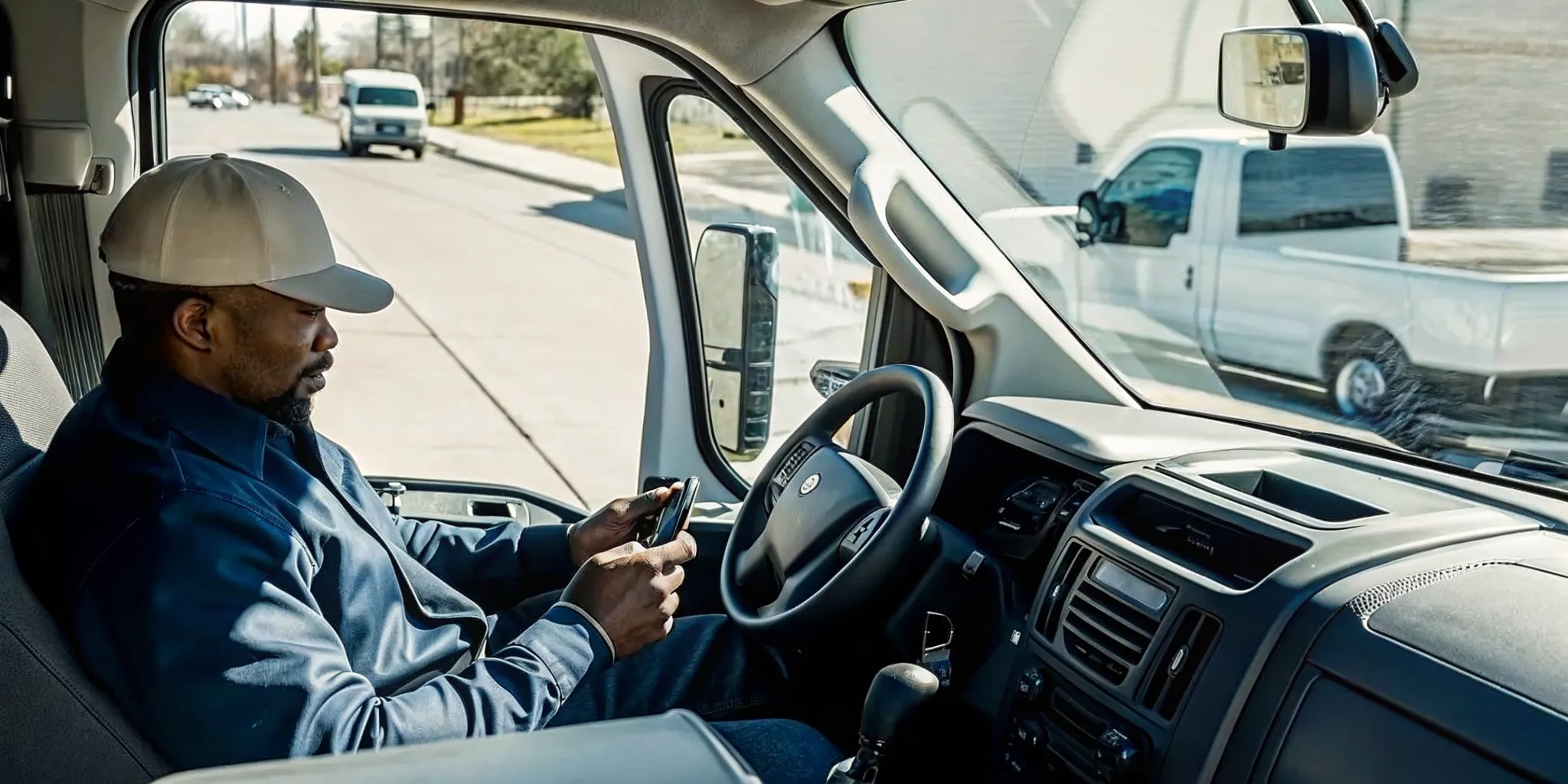
Job-site arrival and departure records give managers an objective starting point for reviewing service duration, timesheets, billing questions, territory planning, and recurring workflow delays.
Geofences, also called zones, can associate a defined location with vehicle arrivals and departures. For field service operations, zones may represent customer sites, branches, suppliers, yards, or other recurring destinations. Managers can use those records to compare scheduled and actual activity without asking technicians to reconstruct every stop from memory.
Investigate patterns instead of isolated events
One long stop may reflect a complex repair, a customer-access problem, or a needed safety procedure. Repeated patterns deserve a closer look. Managers can compare stop duration, travel time, job type, and territory to identify whether the root cause is scheduling, training, parts availability, or another operational issue.
Use transparent policies and respectful coaching
Tracking should be introduced with a clear policy that explains what is collected, when it is collected, how it is used, and who can access it. Managers should use data to ask informed questions, recognize good performance, and resolve disputes fairly. A transparent rollout helps technicians understand that the system supports safer, more consistent service rather than surveillance without purpose.
Which commercial vehicle GPS tracking features matter most?
The most valuable features are the ones that support daily decisions: dependable location visibility, route and stop history, zones, configurable alerts, reports, mobile access, maintenance information, and integrations with existing systems.
Feature lists can make every platform look similar. A stronger evaluation uses real workflows. Ask each provider to demonstrate how a dispatcher would respond to an urgent call, how a supervisor would review job-site duration, and how customer service would identify a late arrival. Then assess how quickly each role can find and use the information.
| Capability | Operational question it should answer | Field service value |
|---|---|---|
| Current location and status | Which suitable technician can respond? | Faster, better-informed dispatch decisions |
| Route and stop history | Where did travel time or schedule drift occur? | Evidence for territory and route improvements |
| Zones and arrival records | When did the vehicle reach and leave the site? | Support for job-time review and customer questions |
| Configurable alerts | Which exceptions need attention now? | Earlier intervention without constant map monitoring |
| Reports and integrations | Can vehicle data support existing workflows? | Less manual reconciliation across systems |
Evaluate data access and flexibility
A platform should fit the systems and reporting needs the business already has. Fleetistics offers a modular approach, free APIs, and access to a large integration ecosystem. That flexibility matters when a fleet needs to connect telematics with maintenance, business intelligence, or other operational tools rather than creating another isolated source of data.
Talk with a Fleetistics consultant to map the required tracking features to your dispatch and service workflows.
How should a field service fleet roll out GPS tracking?
A successful rollout starts with measurable operational goals, a representative pilot group, clear employee communication, configured workflows, and a review process that turns data into action.
- Define the decisions to improve. Choose specific use cases such as urgent-call assignment, late-arrival communication, route exception review, or job-site time analysis.
- Establish a baseline. Record current dispatch response time, miles per completed job, arrival-window performance, or another relevant measure before deployment.
- Select a representative pilot. Include typical vehicles, territories, dispatchers, and technicians so the evaluation reflects normal conditions.
- Configure maps, zones, alerts, and reports. Avoid turning on every possible alert. Start with the exceptions that require a defined response.
- Train office and field teams. Show each role how the system supports their work and explain the tracking policy in plain language.
- Review results and refine. Compare the baseline with pilot performance, gather user feedback, and adjust the workflow before expanding.
Build adoption around practical wins
Dispatchers are more likely to adopt a platform when it reduces status calls and makes exceptions easier to manage. Technicians are more likely to support it when the policy is clear and the data protects them from inaccurate complaints. Supervisors need reports that highlight useful patterns without requiring hours of manual analysis.
Use a structured evaluation
Fleetistics has served fleets since 2001 and uses a consultative evaluation process to align technology with operational requirements. Rather than treating deployment as an equipment purchase, field service leaders should test whether the proposed system improves the targeted workflow and produces information their team can act on consistently.
How can you evaluate GPS tracking ROI?
Evaluate GPS tracking ROI by comparing verified operational improvements with the total cost of the system, using measures tied to completed work, customer commitments, vehicle use, and administrative effort.
The business case should reflect the problems selected at the beginning of the project. If dispatch responsiveness is the priority, measure the time from an urgent request to assignment. If route efficiency is the priority, compare miles or travel time per completed job. If customer experience is the priority, monitor arrival-window performance, complaint volume, or the time the office spends answering status calls.
Use a balanced scorecard
- Dispatch: time to assign urgent work and number of manual technician check-ins.
- Productivity: completed jobs per vehicle day and travel time between jobs.
- Customer service: arrival-window performance and status-call volume.
- Fleet operations: idle time, utilization, maintenance exceptions, and mileage trends.
- Administration: time spent reconciling routes, job-site records, or customer questions.
Not every improvement should be attributed to GPS alone. Changes in staffing, seasonality, service mix, and territory design can also influence results. A controlled pilot and documented baseline make the business case more credible. Broader fleet leaders can also use Fleetistics’ six pillars of fleet management to frame performance beyond location tracking.
Frequently asked questions about commercial vehicle GPS tracking
What is commercial vehicle GPS tracking?
Commercial vehicle GPS tracking uses installed or connected devices to collect vehicle location and related activity data for business fleets. A fleet platform presents that information through maps, trip history, zones, alerts, and reports so managers can coordinate work and review performance.
Can GPS tracking help dispatchers assign emergency calls?
Yes. Current location and vehicle status can help a dispatcher identify nearby resources and assess which technician may be available. The dispatch decision should also account for skill, equipment, current job commitment, and customer priority.
How does GPS tracking support customer communication?
Tracking gives the office a shared view of vehicle progress and likely delays. Customer service teams can use that visibility to provide more credible arrival updates and contact customers proactively when the schedule changes.
What should employees know before GPS tracking is introduced?
Employees should understand what information is collected, when tracking occurs, why the business uses it, who can access it, and how it supports safety and operations. A written policy and role-specific training make expectations clear.
Build a more responsive field service operation
Commercial vehicle GPS tracking delivers the most value when vehicle information is connected to clear dispatch, customer communication, and performance-review processes. The right system should help the office make faster decisions while giving leaders reliable evidence for longer-term improvement.
Contact Fleetistics or call 855.300.0527 to discuss a commercial vehicle GPS tracking solution for your field service fleet.